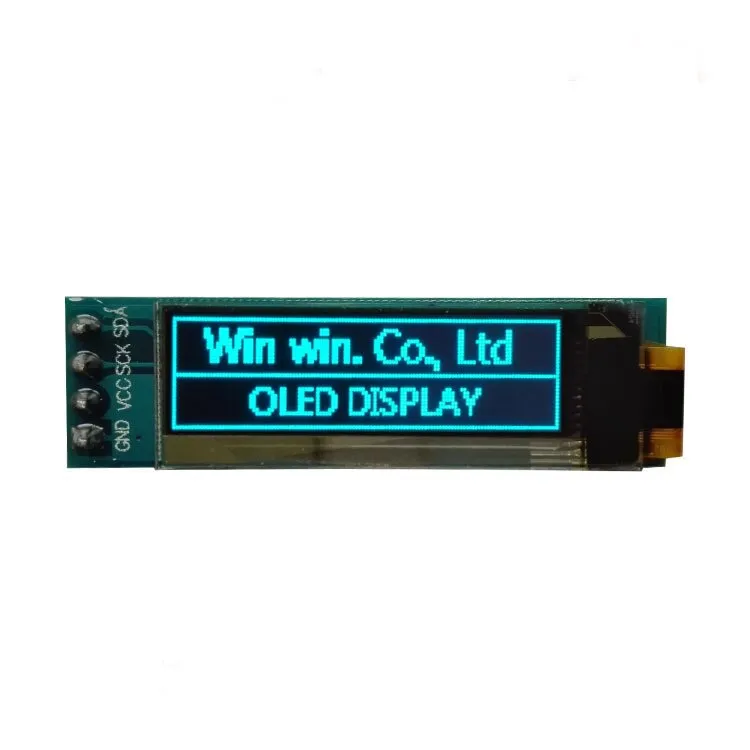
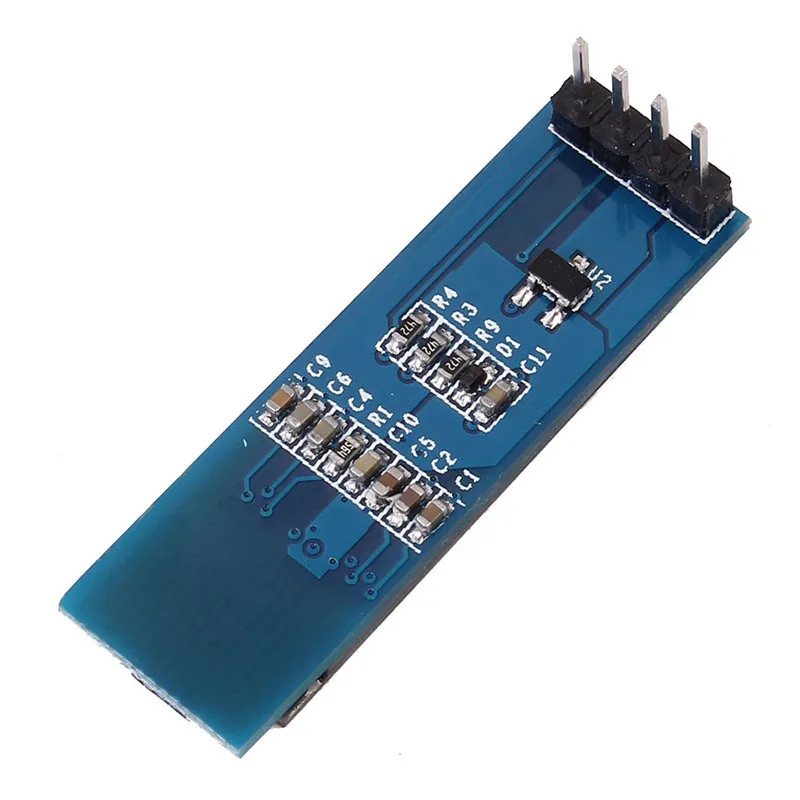
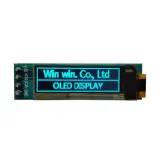
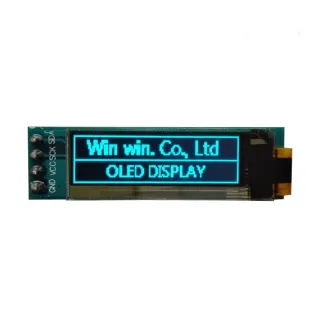
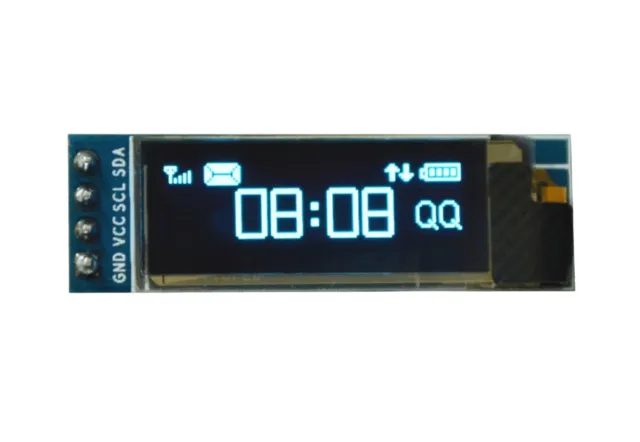
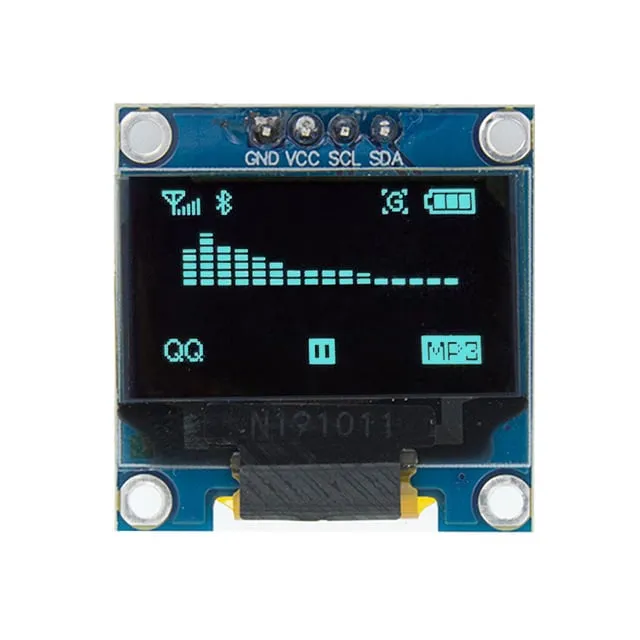
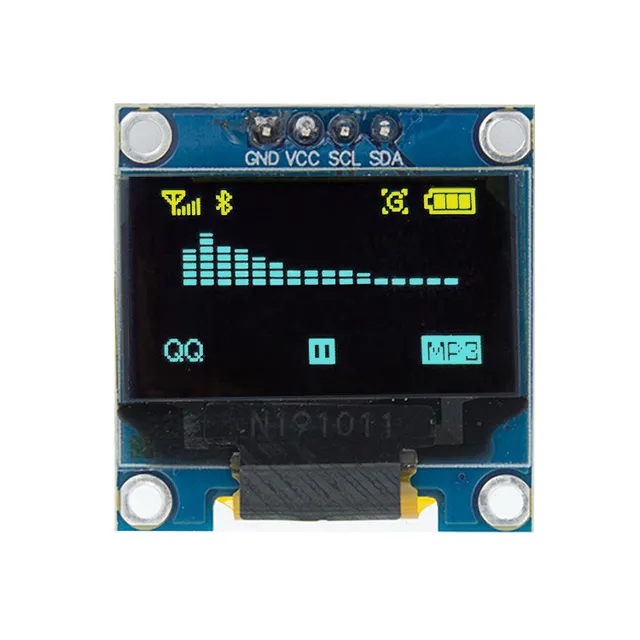
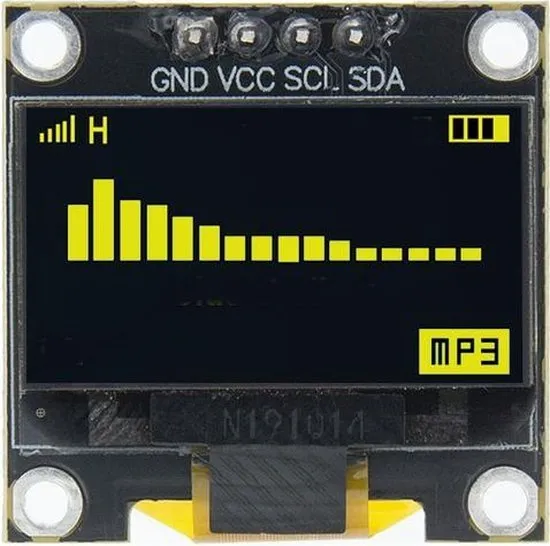
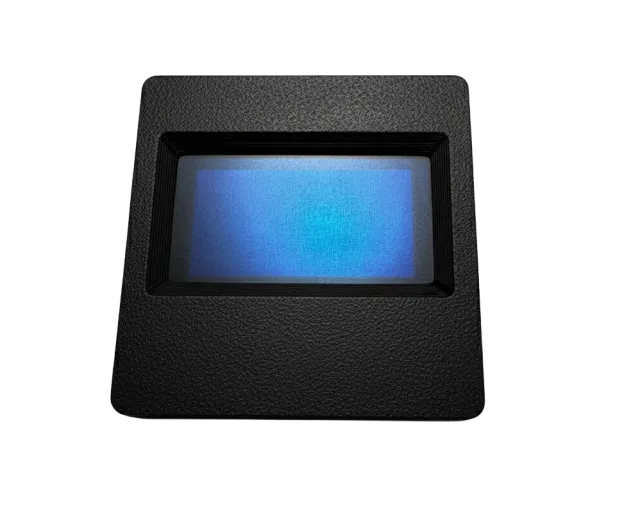
Mini OLED schermpje van 0,91 inch voor Arduino- en ESP32/ESP8266-projecten.
SKU: OT812-C62 Número do artigo: AA321 EAN: 8720589817081 Localização: C06.02
Como ligar o Mini display OLED azul 0.91 polegadas 128x32 I2C a um Arduino UNO ou ESP32, com um sketch de exemplo que podes carregar já.
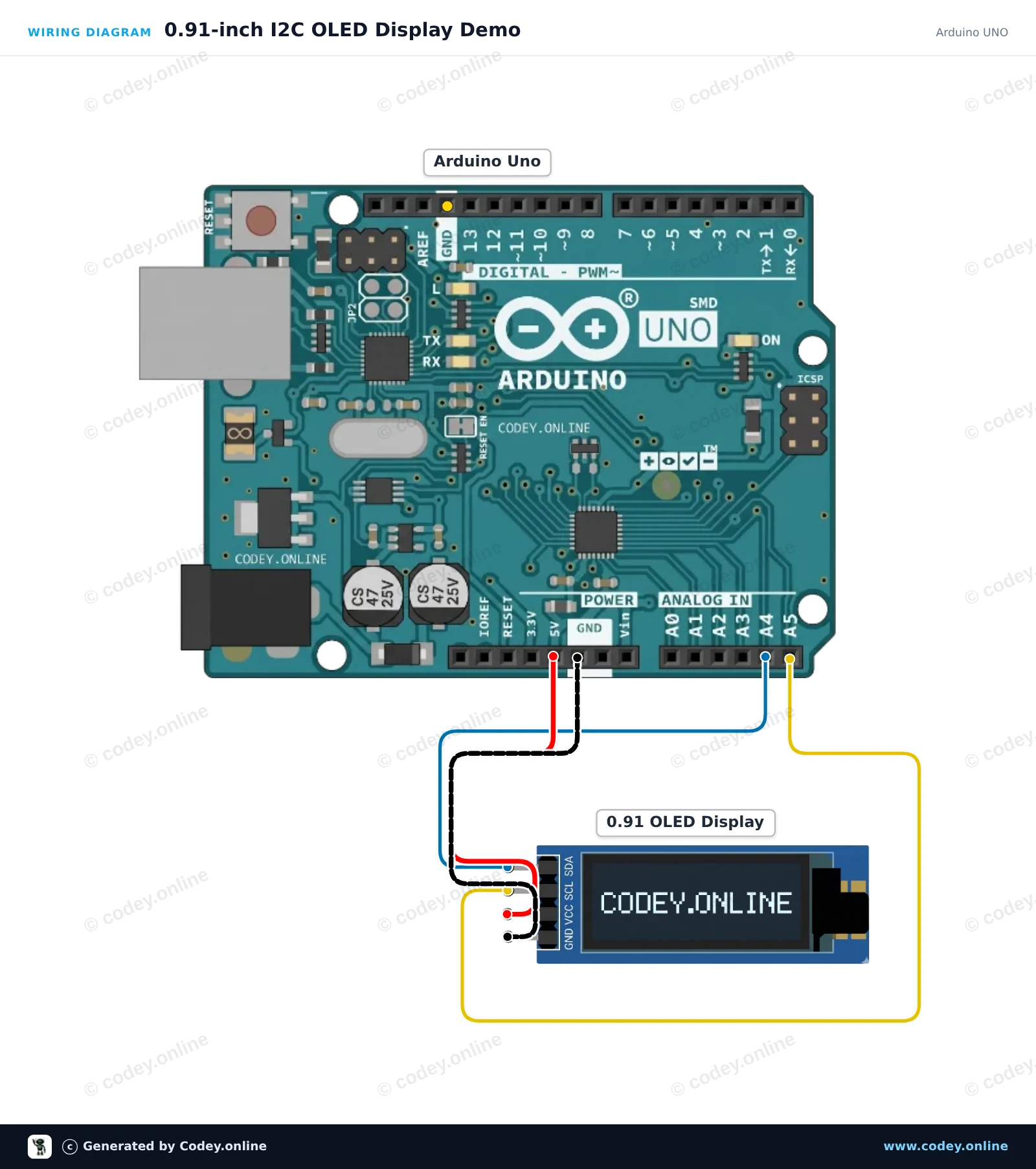
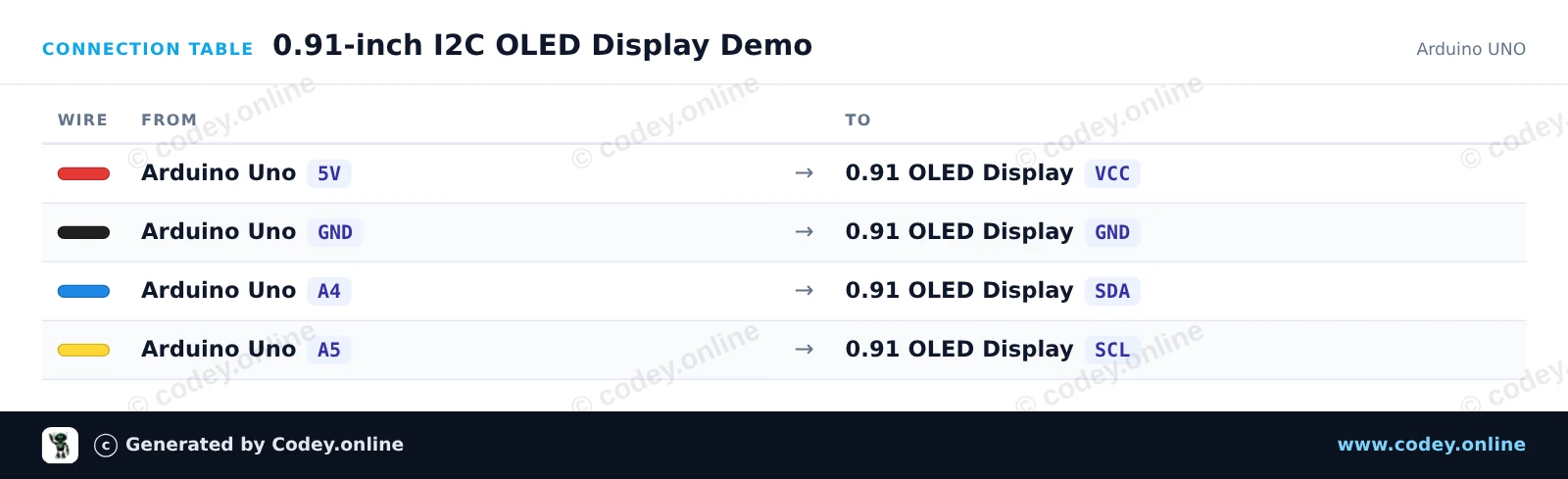
This project demonstrates how to connect and display text and an active counter on a 0.91-inch (128x32) I2C OLED screen. The display connects directly to the Arduino Uno I2C pins (A4 for SDA, A5 for SCL). Once powered on, the display shows a title banner and updates a running seconds counter.
/*
* ==================================================================
* Generated by Codey.online — https://www.codey.online
* ==================================================================
* Project : 0.91-inch I2C OLED Display Demo
* Board : Arduino UNO (arduino:avr:uno)
* Parts : OLED Display 0.91 inch
* Libraries : U8g2 2.36.19
*
* Codey Online is an AI-powered browser IDE for Arduino and ESP32.
* Describe your project and Codey writes the code, draws the wiring
* diagram and uploads it to your board, straight from the browser.
* This code is free to use, modify and share, without warranty.
* ==================================================================
*/
#include <Wire.h>
#include <U8g2lib.h>
// 0.91" OLED display is a 128x32 SSD1306 I2C module
U8G2_SSD1306_128X32_UNIVISION_F_HW_I2C u8g2(U8G2_R0, /* reset=*/ U8X8_PIN_NONE);
unsigned long seconds = 0;
void setup() {
Wire.begin();
u8g2.begin();
}
void loop() {
u8g2.clearBuffer();
// Header text
u8g2.setFont(u8g2_font_6x10_tr);
u8g2.drawStr(0, 10, "0.91\" OLED Demo");
// Separator line
u8g2.drawHLine(0, 14, 128);
// Uptime counter
u8g2.drawStr(0, 28, "Uptime: ");
u8g2.setCursor(50, 28);
u8g2.print(seconds);
u8g2.print(" s");
u8g2.sendBuffer();
seconds++;
delay(1000);
}
Bibliotecas necessárias: U8g2 2.36.19
Wiring diagram and example code generated by Codey.online — https://www.codey.online
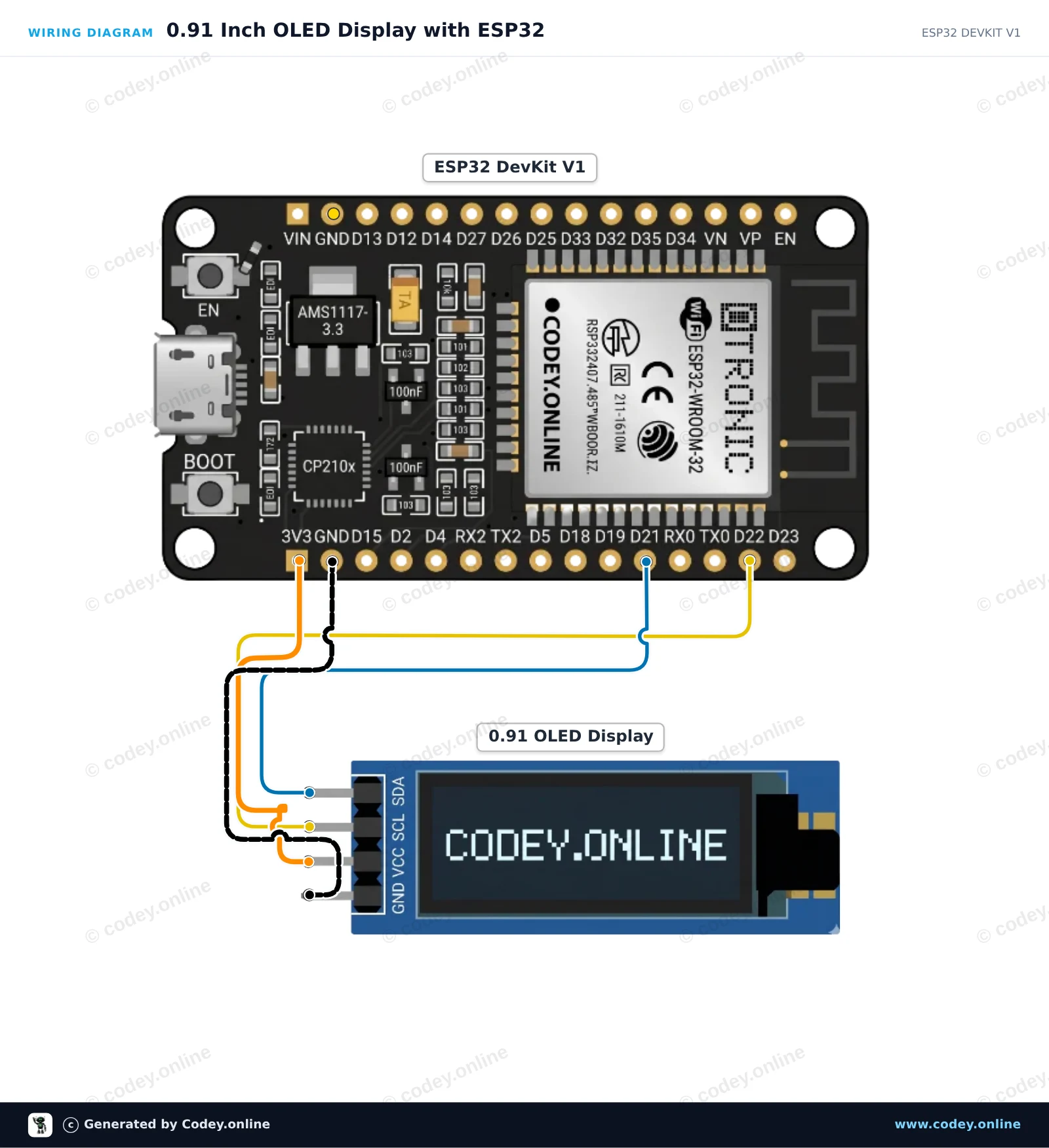
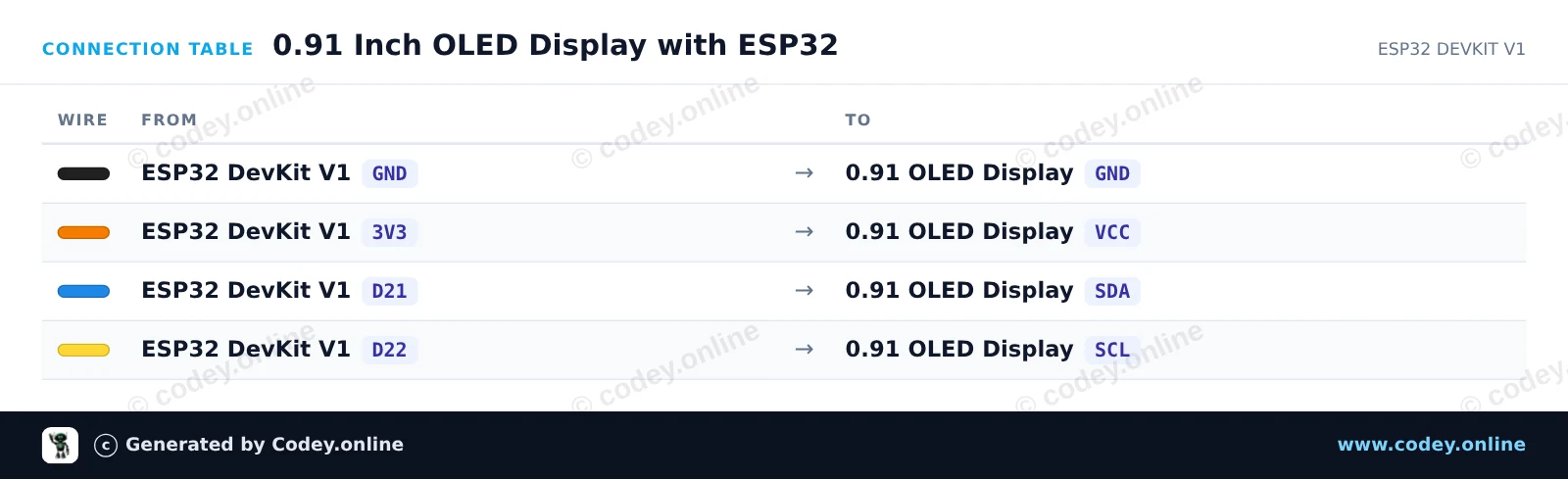
This example connects a 0.91-inch 128x32 I2C OLED display to the ESP32. The sketch initializes the display and shows a welcome message along with an updating runtime counter. Connect the display to the ESP32's default I2C pins (GPIO 21 for SDA and GPIO 22 for SCL) powered by 3.3V.
/*
* ==================================================================
* Generated by Codey.online — https://www.codey.online
* ==================================================================
* Project : 0.91 Inch OLED Display with ESP32
* Board : ESP32 DEVKIT V1 (esp32:esp32:esp32doit-devkit-v1)
* Parts : OLED Display 0.91 inch
* Libraries : Adafruit SSD1306 2.5.16, Adafruit GFX Library 1.12.6
*
* Codey Online is an AI-powered browser IDE for Arduino and ESP32.
* Describe your project and Codey writes the code, draws the wiring
* diagram and uploads it to your board, straight from the browser.
* This code is free to use, modify and share, without warranty.
* ==================================================================
*/
#include <Wire.h>
#include <Adafruit_GFX.h>
#include <Adafruit_SSD1306.h>
#define SCREEN_WIDTH 128
#define SCREEN_HEIGHT 32
#define OLED_RESET -1
#define SCREEN_ADDRESS 0x3C
Adafruit_SSD1306 display(SCREEN_WIDTH, SCREEN_HEIGHT, &Wire, OLED_RESET);
int counter = 0;
void setup() {
Serial.begin(115200);
// Initialize I2C on ESP32 default pins (SDA=21, SCL=22)
Wire.begin(21, 22);
if (!display.begin(SSD1306_SWITCHCAPVCC, SCREEN_ADDRESS)) {
Serial.println(F("SSD1306 allocation failed"));
for (;;); // Halt if OLED not found
}
display.clearDisplay();
display.setTextSize(1);
display.setTextColor(SSD1306_WHITE);
display.setCursor(0, 0);
display.println(F("ESP32 OLED Demo"));
display.display();
delay(1500);
}
void loop() {
display.clearDisplay();
display.setTextSize(1);
display.setTextColor(SSD1306_WHITE);
display.setCursor(0, 0);
display.println(F("ESP32 DevKit V1"));
display.setTextSize(2);
display.setCursor(0, 14);
display.print(F("Count: "));
display.println(counter);
display.display();
Serial.print(F("Current count: "));
Serial.println(counter);
counter++;
delay(1000);
}
Bibliotecas necessárias: Adafruit SSD1306 2.5.16, Adafruit GFX Library 1.12.6
Wiring diagram and example code generated by Codey.online — https://www.codey.online
Mini ecrã OLED de 0,91 polegadas. Imagem nítida com uma resolução de 128x32 pixels.
Funciona com uma fonte de alimentação de 3v-5v. Ideal para projetos Arduino ou ESP32 / ESP8266.
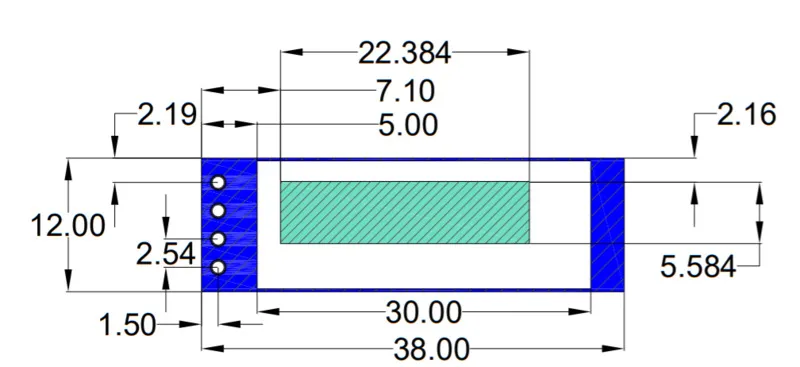
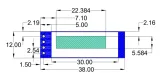
As dimensões desta placa são apenas 38 x 12 x 3,3mm.
Dimensões
Comprimento: 3,8cm
Largura: 1,2cm
Altura: 0,33cm

| Dimensões | 38 x 12 x 3,3 mm |
|---|---|
| Largura | 1,2 cm |
| Cor | blauw |
| Resolução | 128x32 pixels |
| Adequado para | Arduino of ESP32 / ESP8266 |
| Comprimento | 3,8 cm |
| Tensão de alimentação | 3v-5v |
| Altura | 0,33 cm |
| Formato | 0,91 inch |
| IC do driver | SSD1306 |
Ainda sem avaliações.
Não ficas satisfeito? Tens 30 dias após a receção para devolver o produto.
Tudo sobre devoluções
Mini display OLED azul 0.91 polegadas 128x32 I2C