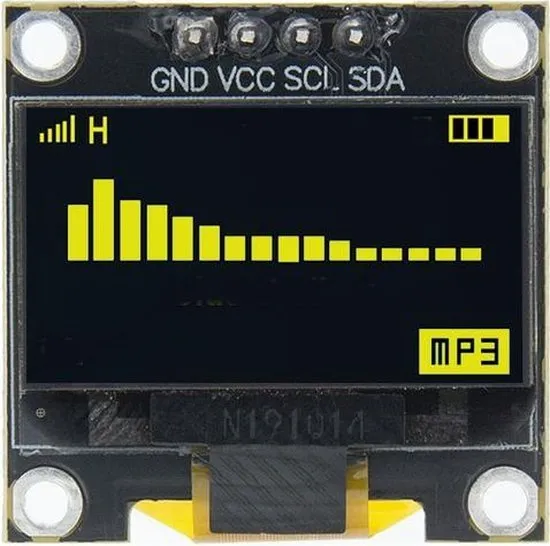
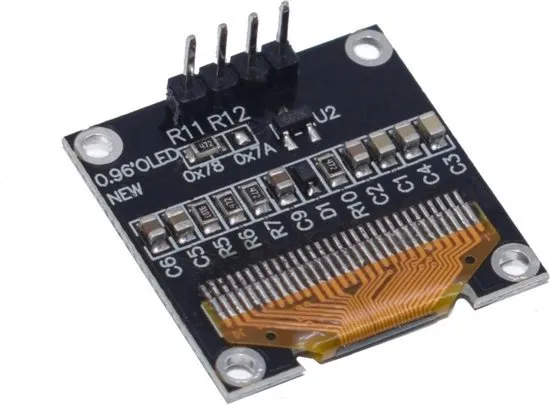
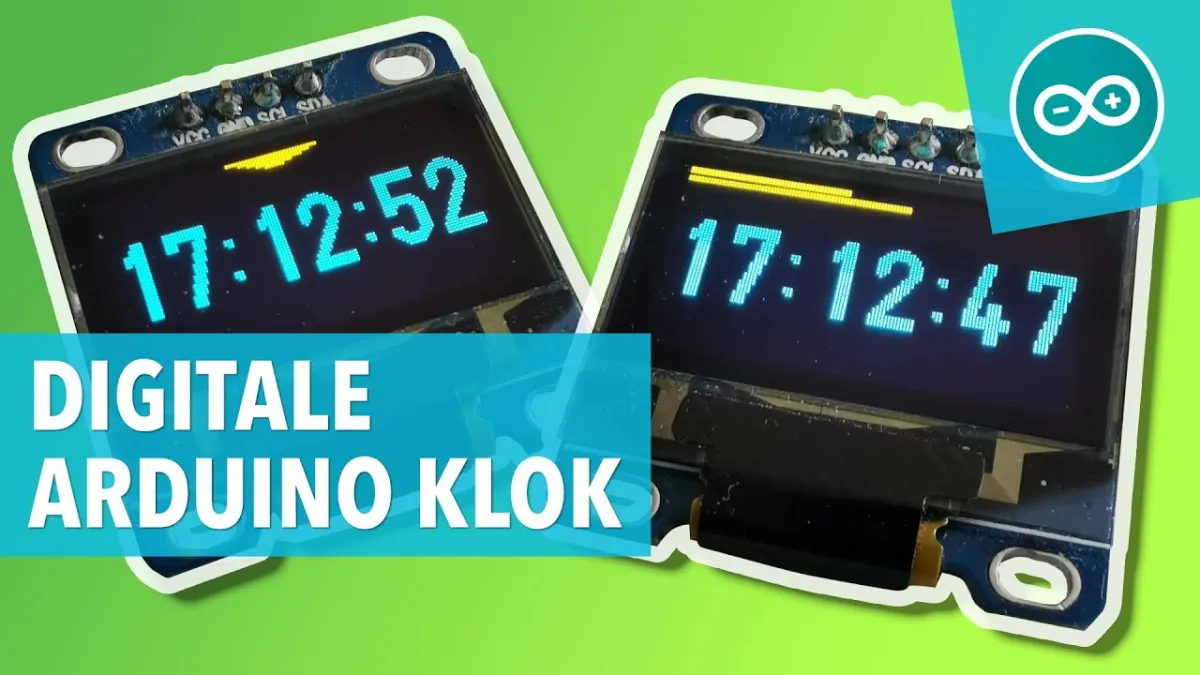
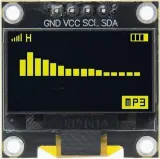
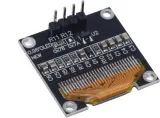
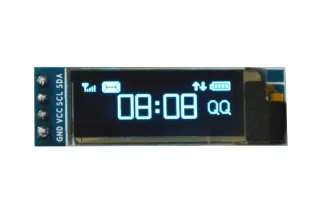
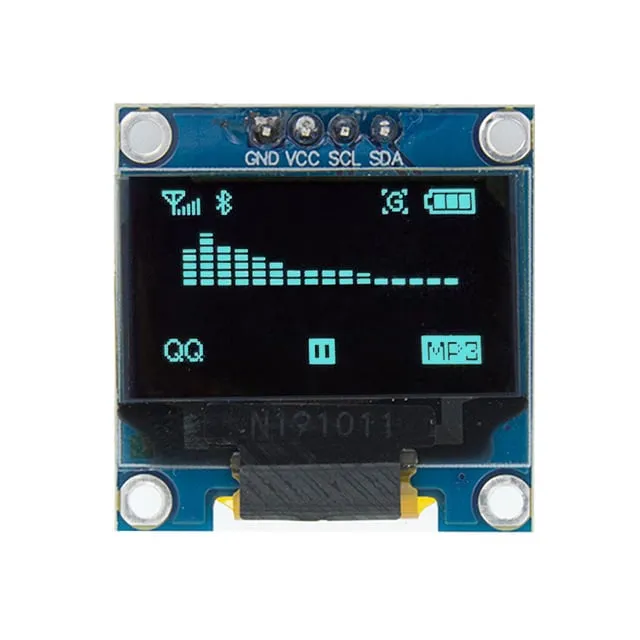
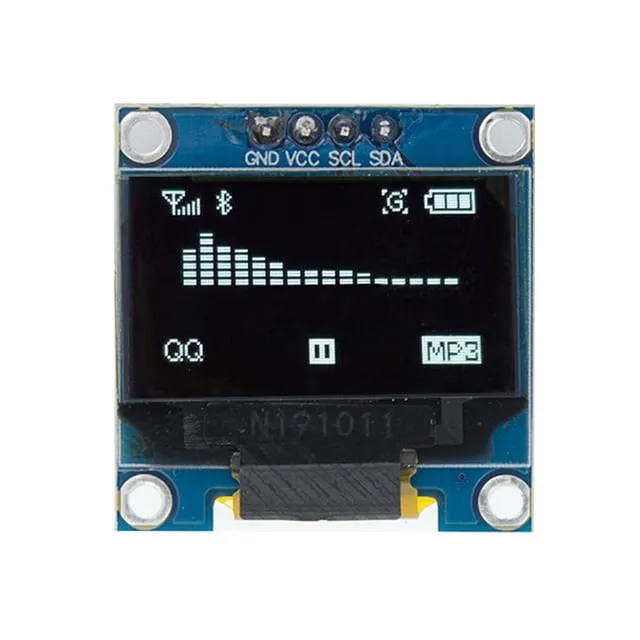
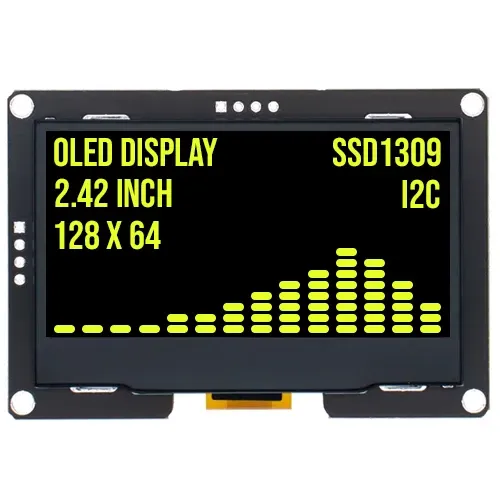
Compact geel OLED-schermpje van 0,96 inch voor Arduino- en ESP32/ESP8266-projecten.
SKU: OT823-C64 Número do artigo: XM968 EAN: 2115440195952 Localização: C06.04
Alternativa
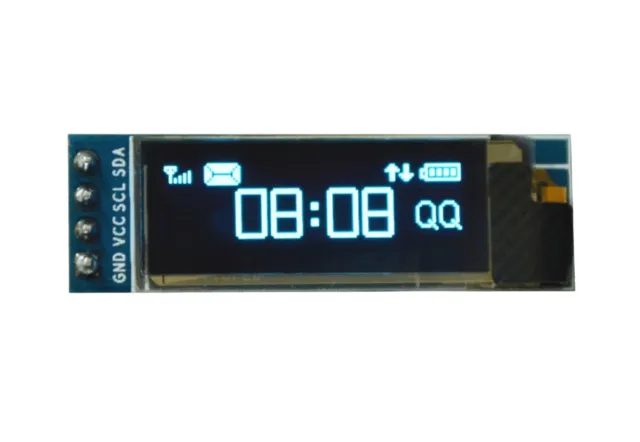
Mini display OLED branco 0.91 polegadas 128x32 I2C
€ 2,99
Ver esta alternativa
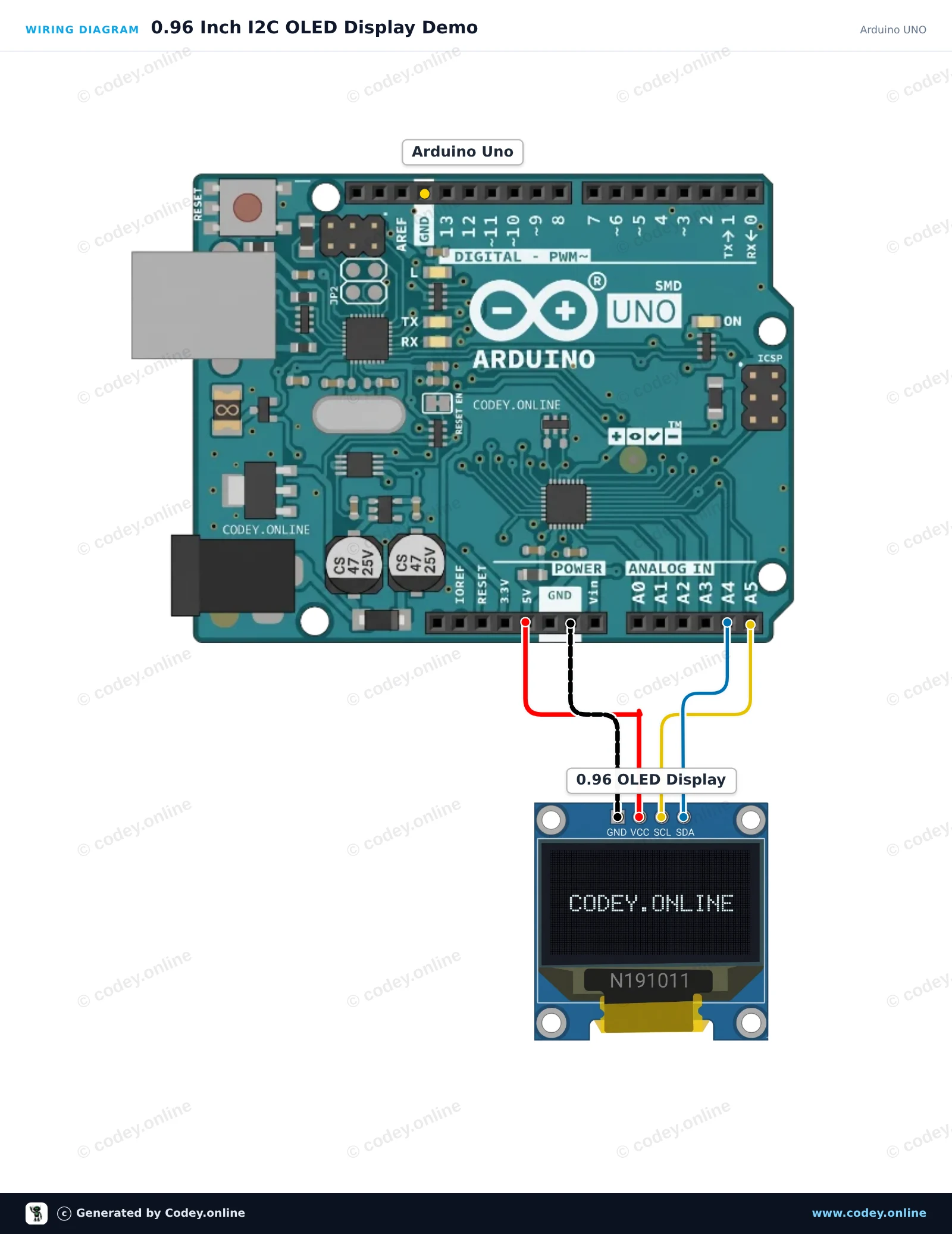
Como ligar o Mini display OLED amarelo 0.96 inch 128x64 I2C a um Arduino UNO ou ESP32, com um sketch de exemplo que podes carregar já.
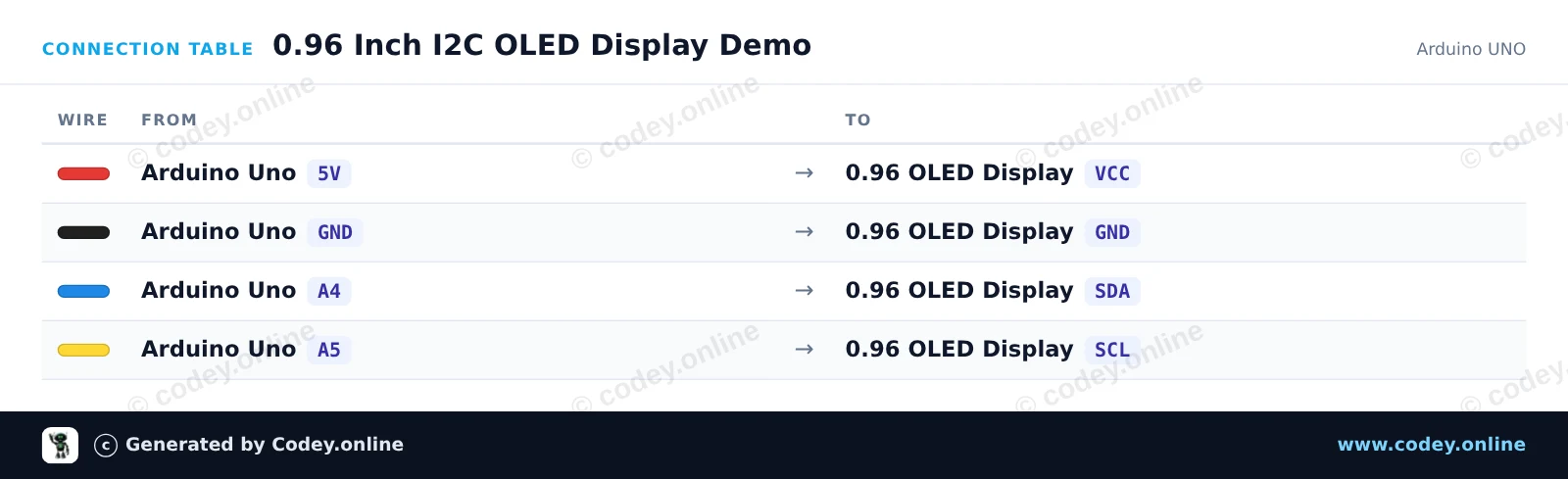
Connects the 0.96-inch I2C OLED display (SSD1306) to the Arduino Uno to display text, lines, and an incrementing counter. The display communicates over I2C using A4 for SDA and A5 for SCL. U8g2 manages the display rendering using an efficient page buffer.
/*
* ==================================================================
* Generated by Codey.online — https://www.codey.online
* ==================================================================
* Project : 0.96 Inch I2C OLED Display Demo
* Board : Arduino UNO (arduino:avr:uno)
* Parts : OLED Display 0.96 inch
* Libraries : U8g2 2.36.19
*
* Codey Online is an AI-powered browser IDE for Arduino and ESP32.
* Describe your project and Codey writes the code, draws the wiring
* diagram and uploads it to your board, straight from the browser.
* This code is free to use, modify and share, without warranty.
* ==================================================================
*/
#include <Wire.h>
#include <U8g2lib.h>
// 128x64 SSD1306 noname I2C display using page buffer (low RAM usage)
U8G2_SSD1306_128X64_NONAME_1_HW_I2C u8g2(U8G2_R0, /* reset=*/ U8X8_PIN_NONE);
int counter = 0;
void setup() {
Serial.begin(115200);
u8g2.begin();
}
void loop() {
u8g2.firstPage();
do {
u8g2.setFont(u8g2_font_ncenB08_tr);
u8g2.drawStr(0, 12, "0.96\" OLED Demo");
u8g2.drawHLine(0, 15, 128);
u8g2.drawStr(0, 32, "Uptime:");
u8g2.setCursor(60, 32);
u8g2.print(millis() / 1000);
u8g2.print(" s");
u8g2.drawStr(0, 50, "Count:");
u8g2.setCursor(60, 50);
u8g2.print(counter);
} while (u8g2.nextPage());
counter++;
delay(1000);
}
Bibliotecas necessárias: U8g2 2.36.19
Wiring diagram and example code generated by Codey.online — https://www.codey.online
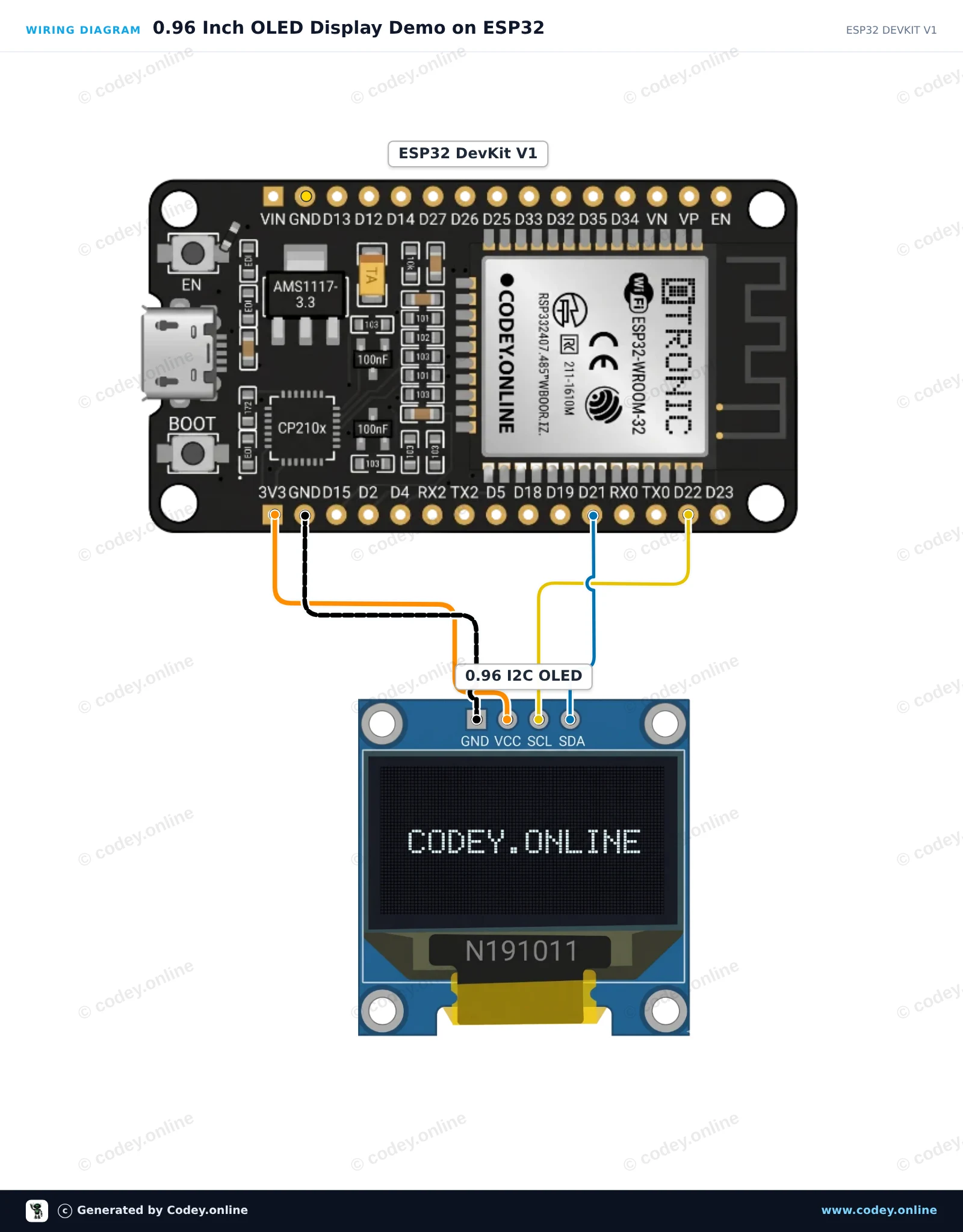
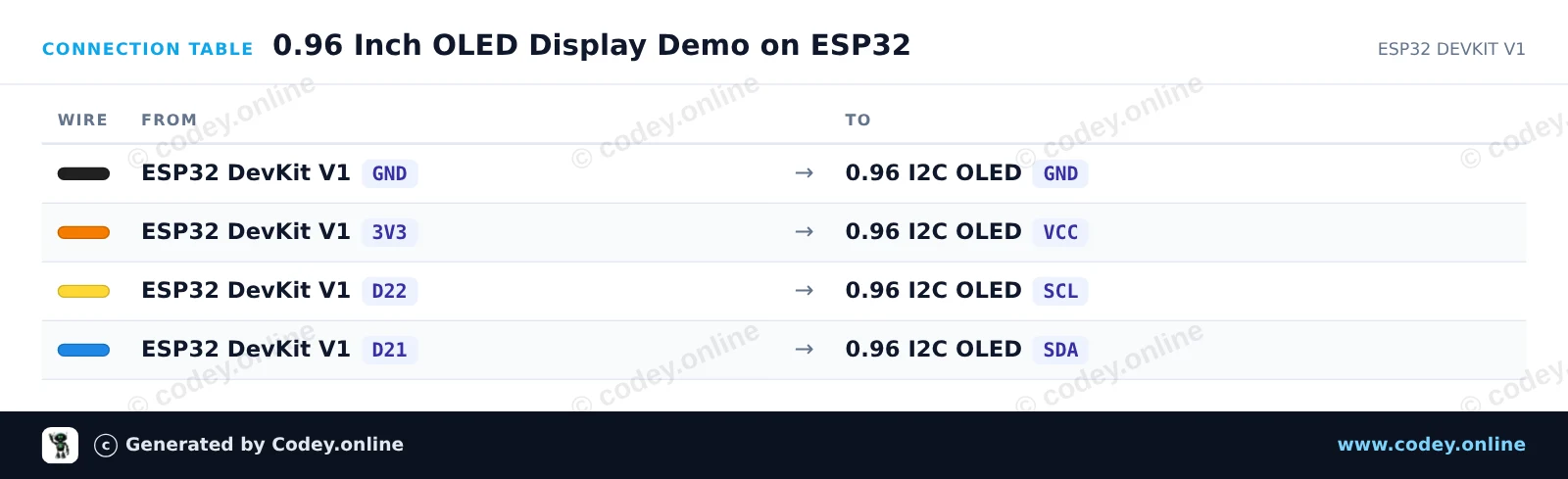
This project connects a 0.96 inch I2C OLED display (SSD1306) to an ESP32. The sketch initializes the display and presents a simple welcome message along with an updating uptime counter. It is a quick and clean way to verify your display is working.
/*
* ==================================================================
* Generated by Codey.online — https://www.codey.online
* ==================================================================
* Project : 0.96 Inch OLED Display Demo on ESP32
* Board : ESP32 DEVKIT V1 (esp32:esp32:esp32doit-devkit-v1)
* Parts : OLED Display 0.96 inch
* Libraries : Adafruit SSD1306 2.5.16, Adafruit GFX Library 1.12.6
*
* Codey Online is an AI-powered browser IDE for Arduino and ESP32.
* Describe your project and Codey writes the code, draws the wiring
* diagram and uploads it to your board, straight from the browser.
* This code is free to use, modify and share, without warranty.
* ==================================================================
*/
#include <Wire.h>
#include <Adafruit_GFX.h>
#include <Adafruit_SSD1306.h>
#define SCREEN_WIDTH 128
#define SCREEN_HEIGHT 64
#define OLED_RESET -1
#define SCREEN_ADDRESS 0x3C
Adafruit_SSD1306 display(SCREEN_WIDTH, SCREEN_HEIGHT, &Wire, OLED_RESET);
int counter = 0;
void setup() {
Serial.begin(115200);
// Initialize I2C with default ESP32 pins (SDA=21, SCL=22)
Wire.begin(21, 22);
if (!display.begin(SSD1306_SWITCHCAPVCC, SCREEN_ADDRESS)) {
Serial.println(F("SSD1306 allocation failed"));
while (true); // Freeze if display initialization fails
}
display.clearDisplay();
display.setTextColor(SSD1306_WHITE);
display.setTextSize(1);
display.setCursor(10, 10);
display.println("ESP32 OLED Test");
display.display();
delay(2000);
}
void loop() {
display.clearDisplay();
// Header
display.setTextSize(1);
display.setCursor(0, 0);
display.println("ESP32 DevKit V1");
display.drawLine(0, 10, 127, 10, SSD1306_WHITE);
// Counter display
display.setTextSize(2);
display.setCursor(10, 24);
display.print("Count: ");
display.print(counter);
// Uptime in seconds
display.setTextSize(1);
display.setCursor(10, 48);
display.print("Uptime: ");
display.print(millis() / 1000);
display.print(" s");
display.display();
counter++;
delay(1000);
}
Bibliotecas necessárias: Adafruit SSD1306 2.5.16, Adafruit GFX Library 1.12.6
Wiring diagram and example code generated by Codey.online — https://www.codey.online
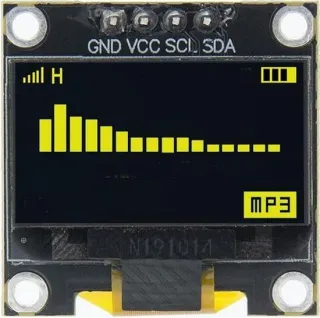
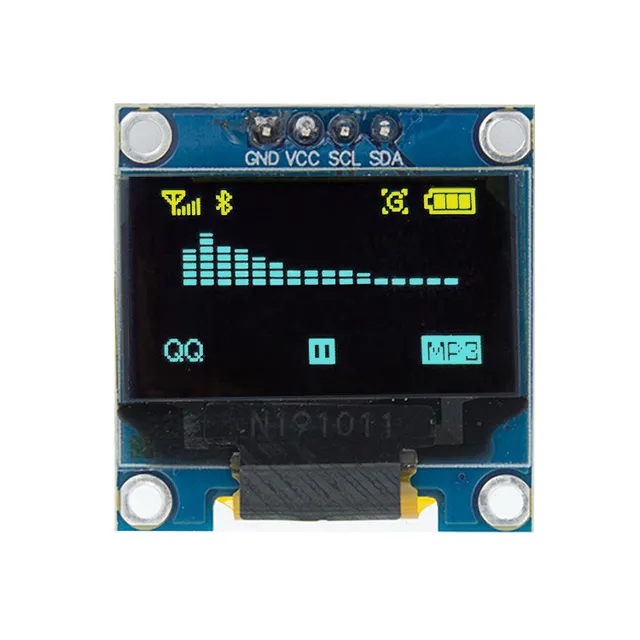
0,96 inch mini ecrã OLED amarelo. Imagem nítida com uma resolução de 128x64 pixels.
Funciona com uma fonte de alimentação de 3v-5v. Ideal para projetos Arduino ou ESP32 / ESP8266.
As dimensões desta placa são apenas 26,1 x 26,1 x 3,2mm.
Dimensões
Comprimento: 2,61cm
Largura: 2,61cm
Altura: 0,32cm
| Dimensões | 26,1 x 26,1 x 3,2 mm |
|---|---|
| Largura | 2,61 cm |
| Cor | amarelo |
| Resolução | 128 x 64 pixels |
| Interface | I2C |
| Adequado para | Arduino |
| Comprimento | 2,61 cm |
| Altura | 0,32 cm |
| Formato | 0,96 polegadas |
Ainda sem avaliações.
Não ficas satisfeito? Tens 30 dias após a receção para devolver o produto.
Tudo sobre devoluções
Mini display OLED amarelo 0.96 inch 128x64 I2C