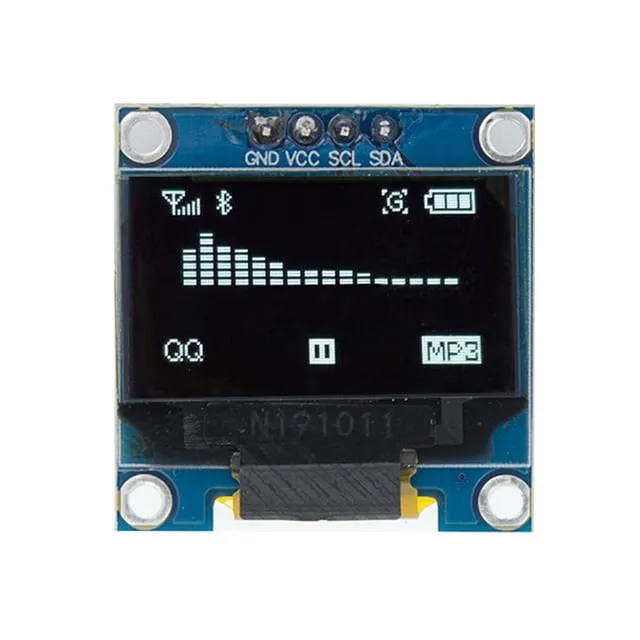
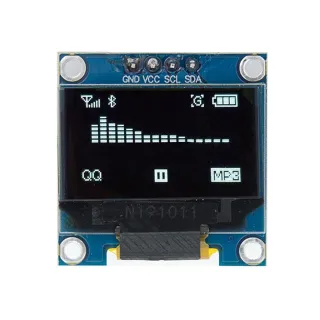
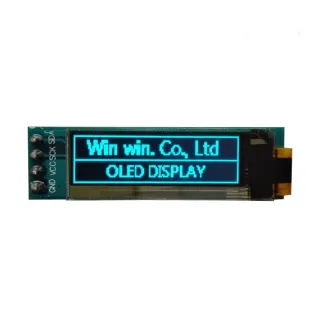
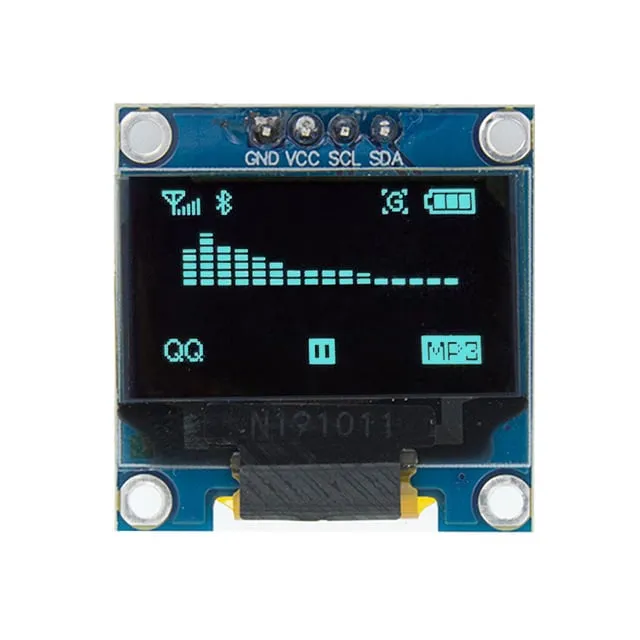
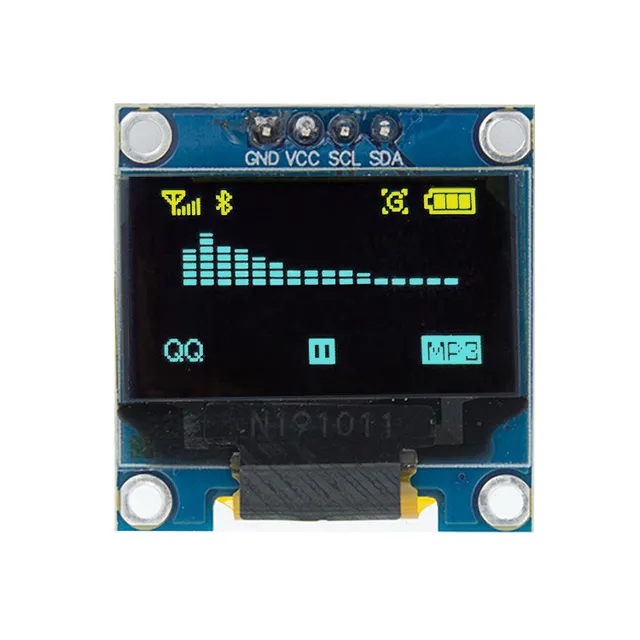
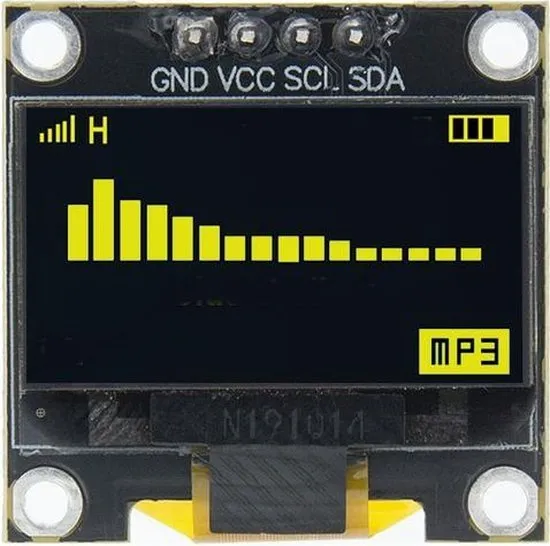
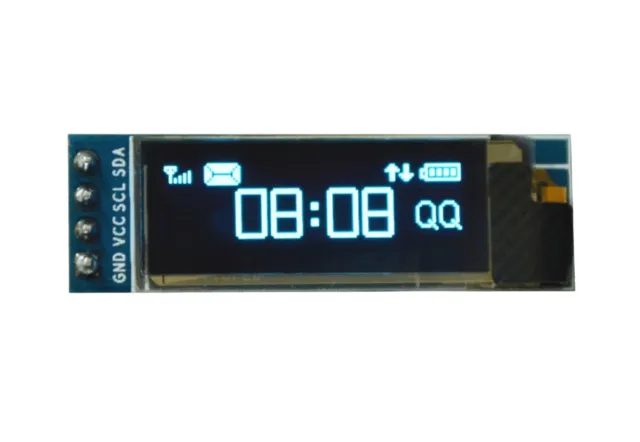
Mini OLED schermpje voor Arduino- en ESP32/ESP8266-projecten met scherp 128x64 beeld.
SKU: OT822-C66 Número do artigo: AA413 EAN: 2268898153460 Localização: C06.06
Alternativa
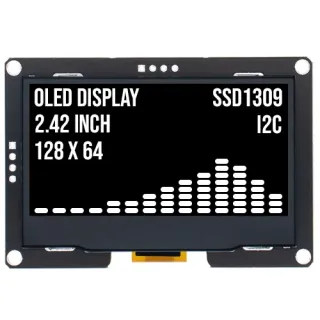
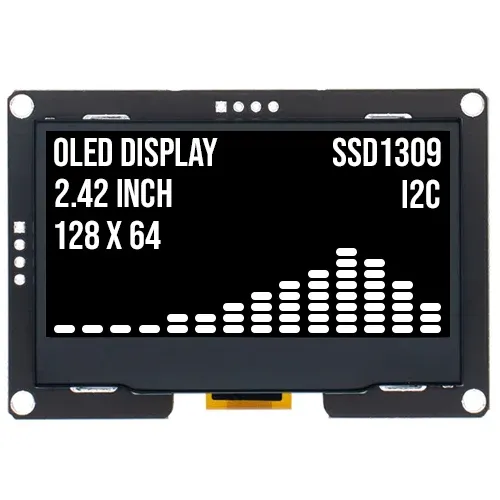
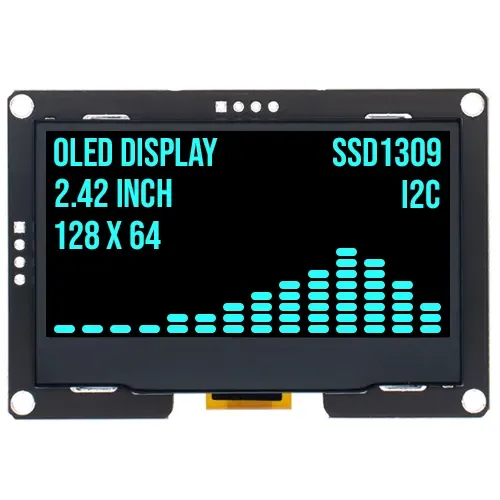
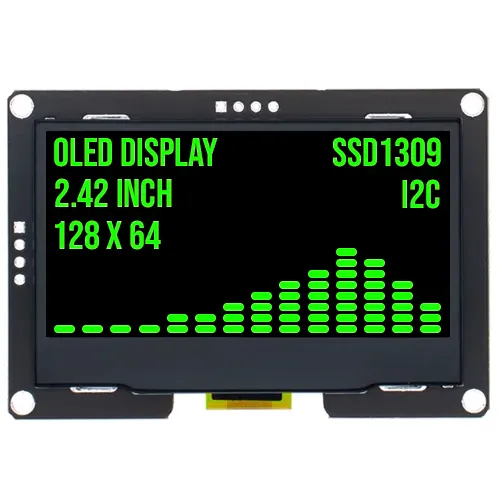
Ecrã OLED 2.4 polegadas 128x64 Branco I2C SSD1309 3.3V
€ 17,70
Ver esta alternativa
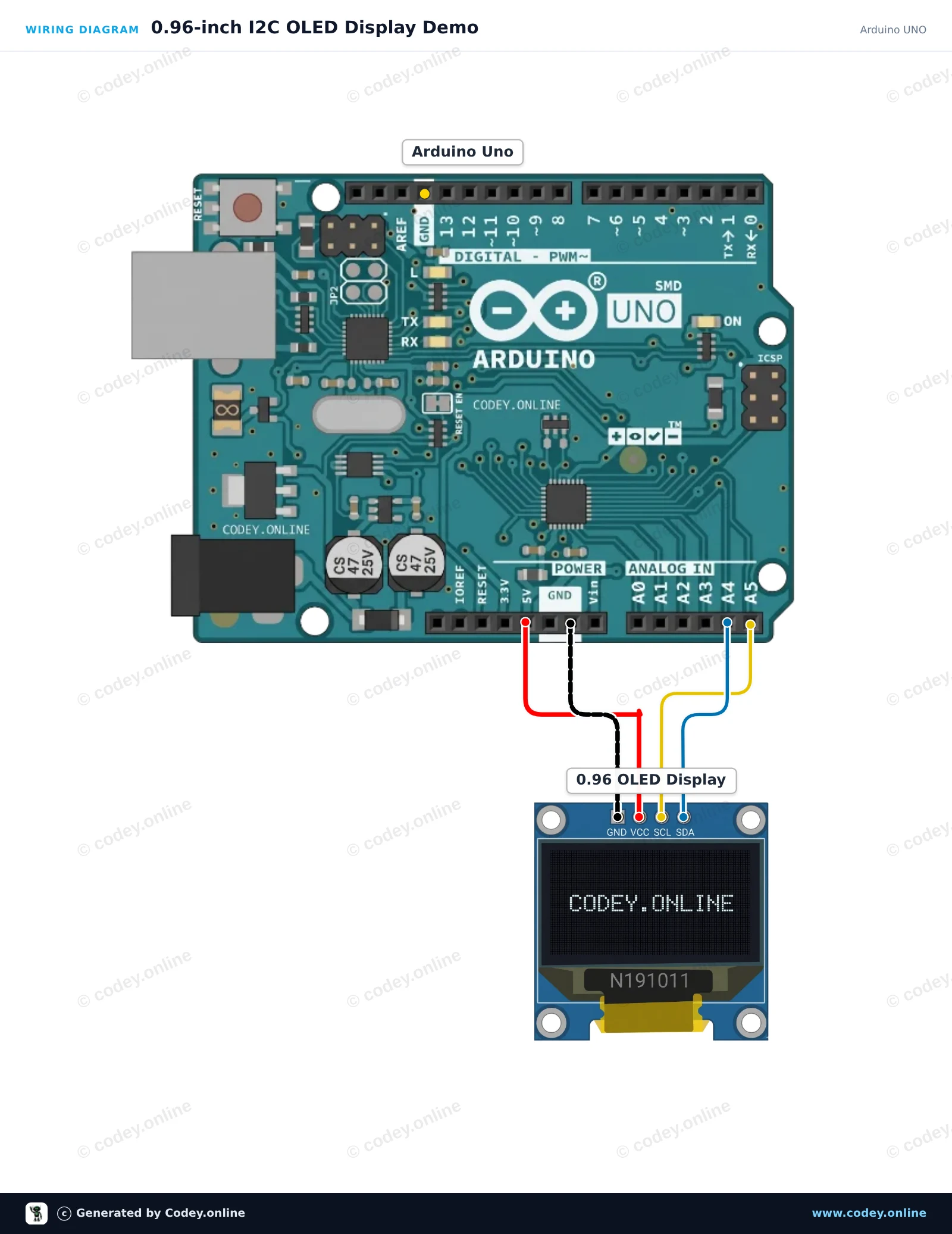
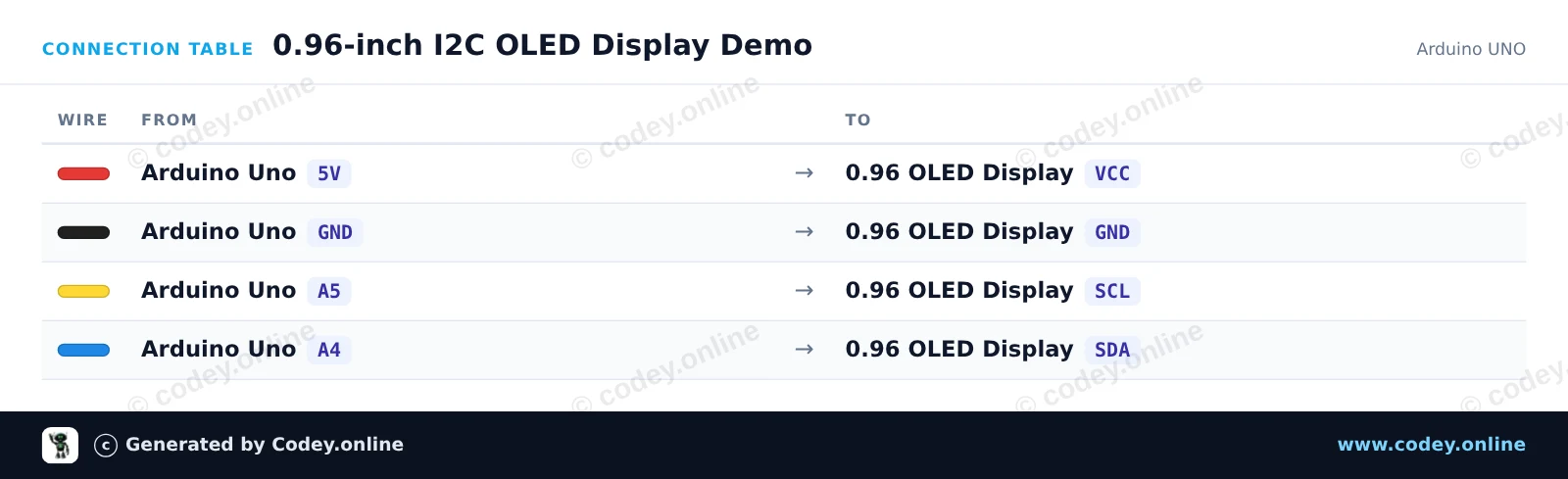
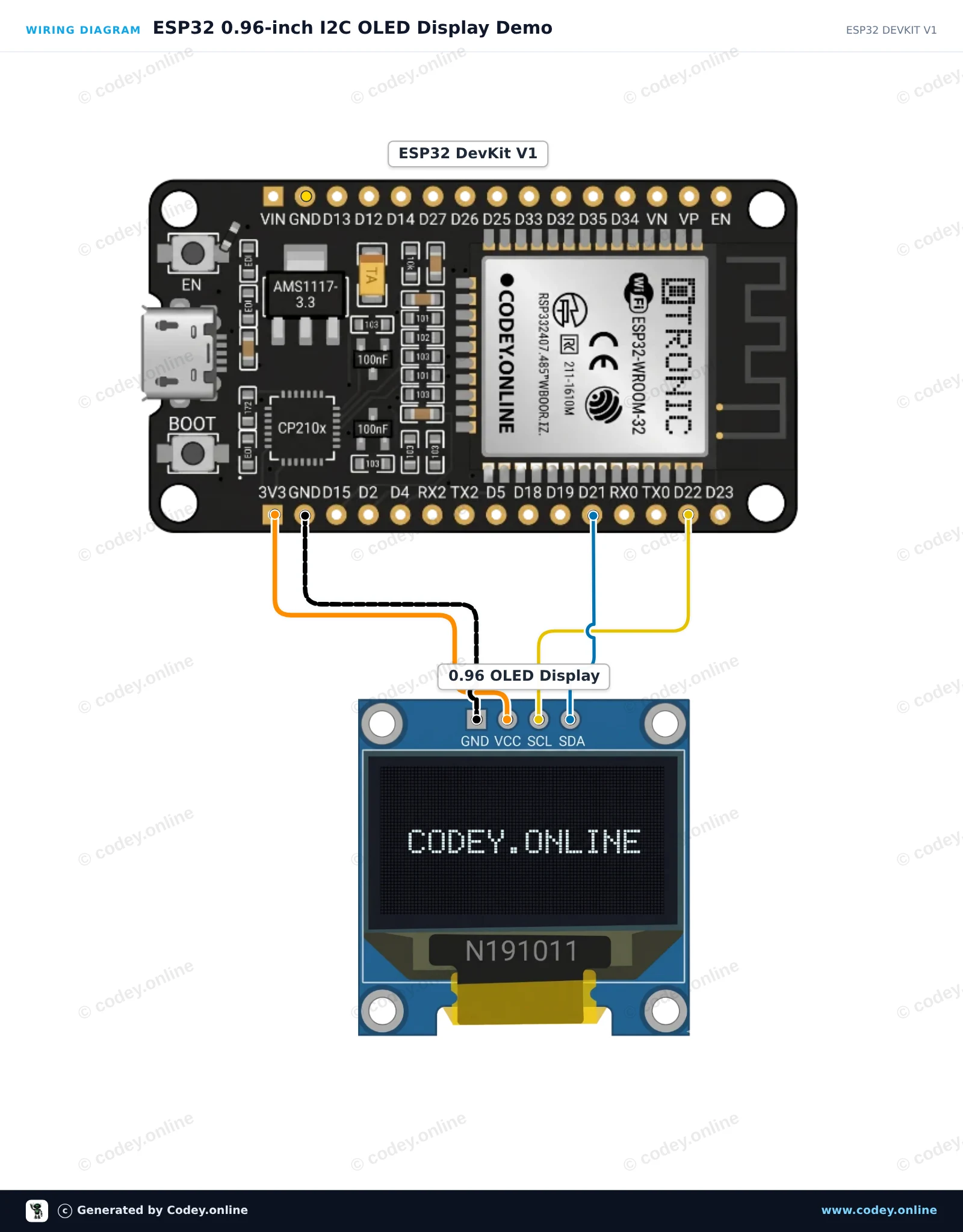
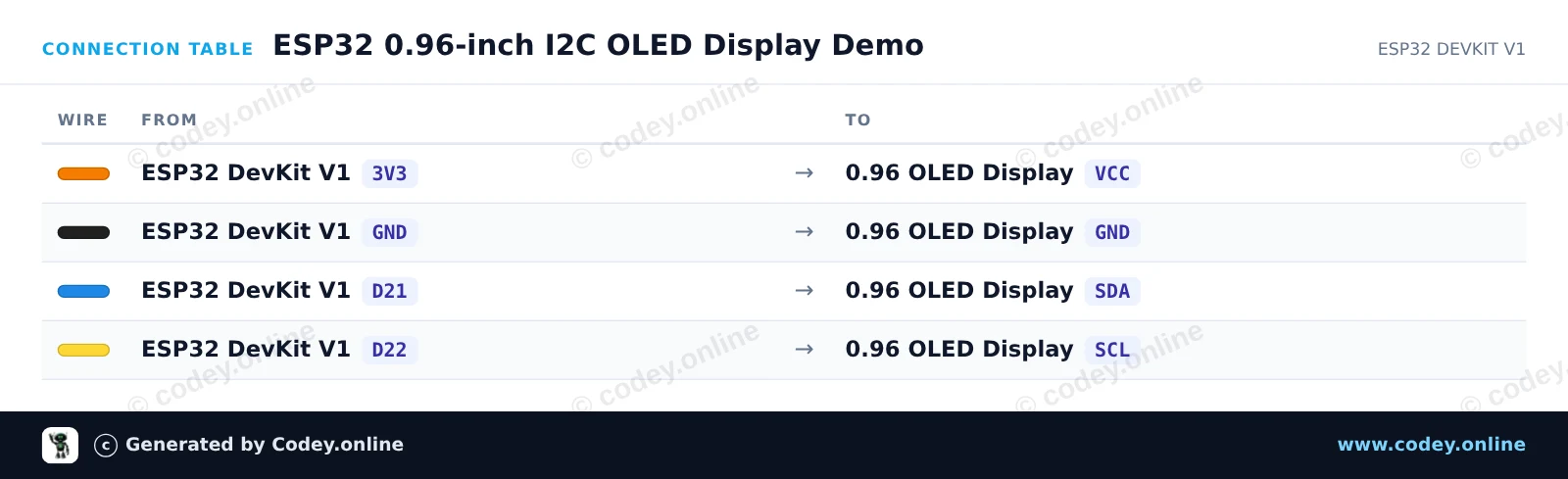
Como ligar o Display OLED mini branco 0.96 inch 128x64 I2C a um Arduino UNO ou ESP32, com um sketch de exemplo que podes carregar já.
Connect the 0.96-inch 128x64 I2C OLED display directly to the Arduino Uno's I2C pins (A4 for SDA, A5 for SCL). This sketch uses standard I2C commands to initialize the SSD1306 controller and displays a live counter and text directly without requiring external graphics libraries.
/*
* ==================================================================
* Generated by Codey.online — https://www.codey.online
* ==================================================================
* Project : 0.96-inch I2C OLED Display Demo
* Board : Arduino UNO (arduino:avr:uno)
* Parts : OLED Display 0.96 inch
* Libraries : none (built-in)
*
* Codey Online is an AI-powered browser IDE for Arduino and ESP32.
* Describe your project and Codey writes the code, draws the wiring
* diagram and uploads it to your board, straight from the browser.
* This code is free to use, modify and share, without warranty.
* ==================================================================
*/
#include <Wire.h>
const uint8_t OLED_ADDR = 0x3C;
const uint8_t OLED_WIDTH = 128;
const uint8_t OLED_HEIGHT = 64;
uint8_t buffer[1024];
int counter = 0;
const uint8_t font5x7[][5] = {
{0x00, 0x00, 0x00, 0x00, 0x00}, // space
{0x7E, 0x11, 0x11, 0x11, 0x7E}, // A
{0x7F, 0x49, 0x49, 0x49, 0x36}, // B
{0x3E, 0x41, 0x41, 0x41, 0x22}, // C
{0x7F, 0x41, 0x41, 0x22, 0x1C}, // D
{0x7F, 0x49, 0x49, 0x49, 0x41}, // E
{0x7F, 0x09, 0x09, 0x09, 0x01}, // F
{0x3E, 0x41, 0x49, 0x49, 0x7A}, // G
{0x7F, 0x08, 0x08, 0x08, 0x7F}, // H
{0x00, 0x41, 0x7F, 0x41, 0x00}, // I
{0x7F, 0x40, 0x40, 0x40, 0x40}, // L
{0x7F, 0x02, 0x0C, 0x02, 0x7F}, // M
{0x7F, 0x04, 0x08, 0x10, 0x7F}, // N
{0x3E, 0x41, 0x41, 0x41, 0x3E}, // O
{0x7F, 0x09, 0x09, 0x09, 0x06}, // P
{0x7F, 0x09, 0x19, 0x29, 0x46}, // R
{0x46, 0x49, 0x49, 0x49, 0x31}, // S
{0x01, 0x01, 0x7F, 0x01, 0x01}, // T
{0x3F, 0x40, 0x40, 0x40, 0x3F}, // U
{0x3E, 0x51, 0x49, 0x45, 0x3E}, // 0
{0x00, 0x42, 0x7F, 0x40, 0x00}, // 1
{0x42, 0x61, 0x51, 0x49, 0x46}, // 2
{0x21, 0x41, 0x45, 0x4B, 0x31}, // 3
{0x18, 0x14, 0x12, 0x7F, 0x10}, // 4
{0x27, 0x45, 0x45, 0x45, 0x39}, // 5
{0x3C, 0x4A, 0x49, 0x49, 0x30}, // 6
{0x01, 0x71, 0x09, 0x05, 0x03}, // 7
{0x36, 0x49, 0x49, 0x49, 0x36}, // 8
{0x06, 0x49, 0x49, 0x29, 0x1E}, // 9
{0x00, 0x36, 0x36, 0x00, 0x00}, // :
{0x00, 0x60, 0x60, 0x00, 0x00} // .
};
int charIndex(char c) {
if (c >= 'a' && c <= 'z') c -= 32;
if (c == ' ') return 0;
if (c == 'A') return 1; if (c == 'B') return 2; if (c == 'C') return 3;
if (c == 'D') return 4; if (c == 'E') return 5; if (c == 'F') return 6;
if (c == 'G') return 7; if (c == 'H') return 8; if (c == 'I') return 9;
if (c == 'L') return 10; if (c == 'M') return 11; if (c == 'N') return 12;
if (c == 'O') return 13; if (c == 'P') return 14; if (c == 'R') return 15;
if (c == 'S') return 16; if (c == 'T') return 17; if (c == 'U') return 18;
if (c >= '0' && c <= '9') return 19 + (c - '0');
if (c == ':') return 29;
if (c == '.') return 30;
return 0;
}
void sendCmd(uint8_t cmd) {
Wire.beginTransmission(OLED_ADDR);
Wire.write(0x00);
Wire.write(cmd);
Wire.endTransmission();
}
void sendCmd2(uint8_t cmd, uint8_t val) {
Wire.beginTransmission(OLED_ADDR);
Wire.write(0x00);
Wire.write(cmd);
Wire.write(val);
Wire.endTransmission();
}
void clearDisplay() {
memset(buffer, 0, sizeof(buffer));
}
void setPixel(int x, int y, bool state) {
if (x < 0 || x >= OLED_WIDTH || y < 0 || y >= OLED_HEIGHT) return;
int idx = x + (y / 8) * OLED_WIDTH;
if (state) buffer[idx] |= (1 << (y % 8));
else buffer[idx] &= ~(1 << (y % 8));
}
void printText(int x, int y, const char* str) {
while (*str) {
int idx = charIndex(*str++);
for (int col = 0; col < 5; col++) {
uint8_t line = font5x7[idx][col];
for (int row = 0; row < 7; row++) {
setPixel(x + col, y + row, (line >> row) & 1);
}
}
x += 6;
}
}
void updateDisplay() {
sendCmd(0x20); sendCmd(0x00);
sendCmd2(0x21, 0x00); sendCmd(0x7F);
sendCmd2(0x22, 0x00); sendCmd(0x07);
for (uint16_t i = 0; i < 1024; i += 16) {
Wire.beginTransmission(OLED_ADDR);
Wire.write(0x40);
for (uint8_t j = 0; j < 16; j++) {
Wire.write(buffer[i + j]);
}
Wire.endTransmission();
}
}
void setup() {
Serial.begin(115200);
Wire.begin();
delay(50);
sendCmd(0xAE); sendCmd2(0xD5, 0x80); sendCmd2(0xA8, 0x3F);
sendCmd2(0xD3, 0x00); sendCmd(0x40); sendCmd2(0x8D, 0x14);
sendCmd(0xA1); sendCmd(0xC8); sendCmd2(0xDA, 0x12);
sendCmd2(0x81, 0xCF); sendCmd2(0xD9, 0xF1); sendCmd2(0xDB, 0x40);
sendCmd(0xA4); sendCmd(0xA6); sendCmd(0xAF);
Serial.println(F("OLED Initialized"));
}
void loop() {
clearDisplay();
printText(0, 0, "OLED 0.96 INCH");
printText(0, 16, "ARDUINO UNO");
char buf[16];
itoa(counter, buf, 10);
printText(0, 32, "COUNT: ");
printText(42, 32, buf);
int barWidth = (counter % 120);
for (int x = 0; x <= barWidth; x++) {
for (int y = 48; y < 58; y++) {
setPixel(x, y, true);
}
}
updateDisplay();
counter++;
delay(100);
}
Wiring diagram and example code generated by Codey.online — https://www.codey.online
This project demonstrates how to connect and display text and numbers on a 0.96-inch I2C OLED screen using the ESP32. The sketch initializes the display and updates a live counter every second. Make sure to install the Adafruit SSD1306 and Adafruit GFX libraries before uploading.
/*
* ==================================================================
* Generated by Codey.online — https://www.codey.online
* ==================================================================
* Project : ESP32 0.96-inch I2C OLED Display Demo
* Board : ESP32 DEVKIT V1 (esp32:esp32:esp32doit-devkit-v1)
* Parts : OLED Display 0.96 inch
* Libraries : Adafruit SSD1306 2.5.16, Adafruit GFX Library 1.12.6
*
* Codey Online is an AI-powered browser IDE for Arduino and ESP32.
* Describe your project and Codey writes the code, draws the wiring
* diagram and uploads it to your board, straight from the browser.
* This code is free to use, modify and share, without warranty.
* ==================================================================
*/
#include <Wire.h>
#include <Adafruit_GFX.h>
#include <Adafruit_SSD1306.h>
#define SCREEN_WIDTH 128
#define SCREEN_HEIGHT 64
#define OLED_RESET -1
#define SCREEN_ADDRESS 0x3C
Adafruit_SSD1306 display(SCREEN_WIDTH, SCREEN_HEIGHT, &Wire, OLED_RESET);
int counter = 0;
void setup() {
Serial.begin(115200);
// Initialize I2C on ESP32 default pins (SDA: 21, SCL: 22)
Wire.begin(21, 22);
if (!display.begin(SSD1306_SWITCHCAPVCC, SCREEN_ADDRESS)) {
Serial.println(F("SSD1306 allocation failed"));
while (true); // Freeze
}
display.clearDisplay();
display.setTextColor(SSD1306_WHITE);
display.setTextSize(1);
display.setCursor(0, 0);
display.println("ESP32 OLED Test");
display.display();
delay(1500);
}
void loop() {
display.clearDisplay();
// Header text
display.setTextSize(1);
display.setCursor(0, 0);
display.println("ESP32 + SSD1306");
// Separator line
display.drawLine(0, 12, 127, 12, SSD1306_WHITE);
// Counter display
display.setCursor(0, 20);
display.println("Counter value:");
display.setTextSize(2);
display.setCursor(0, 36);
display.print(counter);
display.display();
counter++;
delay(1000);
}
Bibliotecas necessárias: Adafruit SSD1306 2.5.16, Adafruit GFX Library 1.12.6
Wiring diagram and example code generated by Codey.online — https://www.codey.online
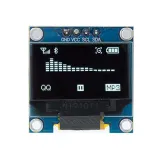
Pequeno ecrã OLED mini de 0,96 inch. Imagem nítida com uma resolução de 128x64 pixels.
Funciona com uma fonte de alimentação de 3v-5v. Ideal para projetos Arduino ou ESP32 / ESP8266.
As dimensões desta placa são apenas 26,1 x 26,1 x 3,2mm.
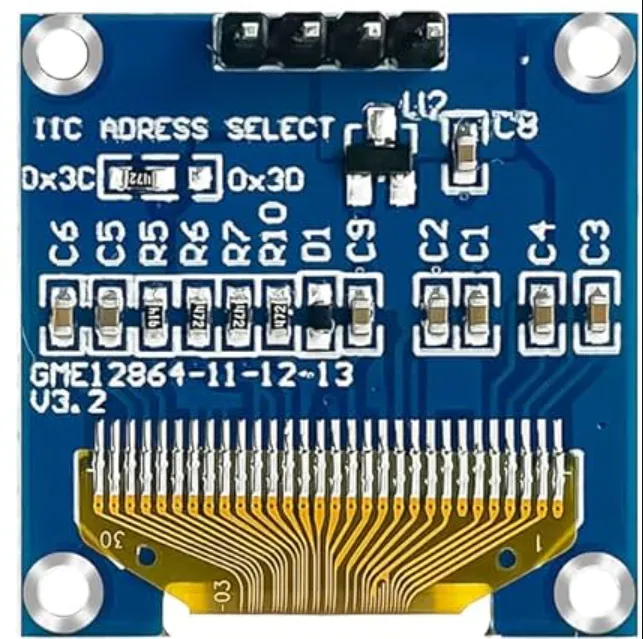
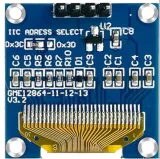
Existem 2 endereços i2c que podem ser selecionados alterando a resistência na parte traseira.
Os endereços disponíveis são: 0x3C (default) e x3D
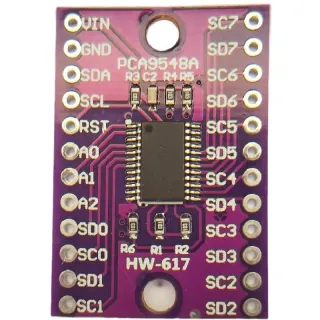
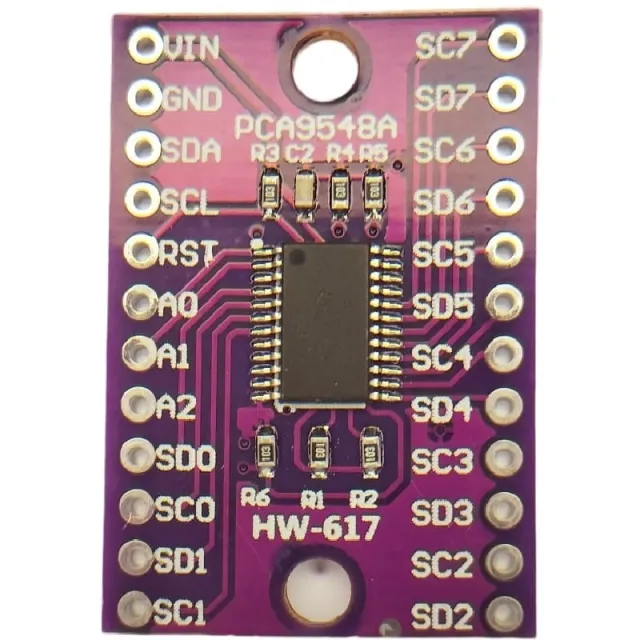
Se quiser controlar vários displays OLED ou se não quiser soldar o SMD, então pode, através de um multiplexador i2c, também controlar até 8x displays i2C com o mesmo endereço.
veja aqui o esquema de ligação e o código de exemplo >>>
Dimensões
Comprimento: 2,61cm
Largura: 2,61cm
Altura: 0,32cm
| Alimentação | 3V-5V |
|---|---|
| Dimensões | 26,1 x 26,1 x 3,2 mm |
| Largura | 2,61 cm |
| Resolução | 128 x 64 pixels |
| Interface | I2C |
| Adequado para | Arduino |
| Comprimento | 2,61 cm |
| Altura | 0,32 cm |
| Endereço I2C | 0x3C |
...........
Estava bom
Ótimo display!
Diretamente num ESP32-C6 sem resistores pull-up.
Ótima resolução e nitidez.
Não testado
Funciona excelentemente
Qualidade excelente e super divertido pr
Funciona excelentemente e é muito prático para exibir dados de medição.
Ótimo produto. Display nítido e até ao sol é bem visível
Ecrã de 0,96 polegadas, parece ótimo. mas é pequeno.
Não ficas satisfeito? Tens 30 dias após a receção para devolver o produto.
Tudo sobre devoluções
Display OLED mini branco 0.96 inch 128x64 I2C