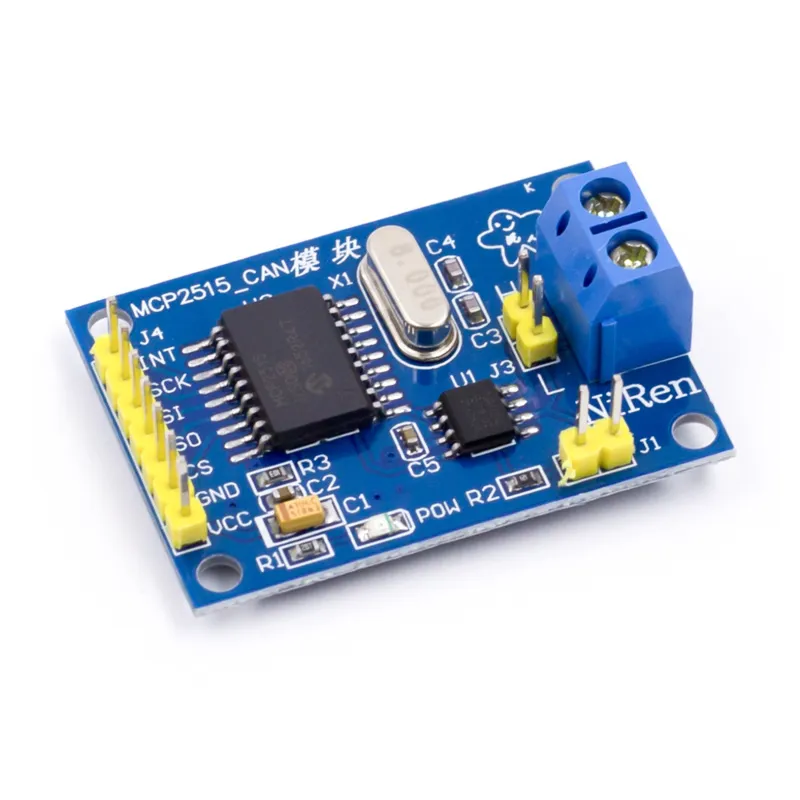
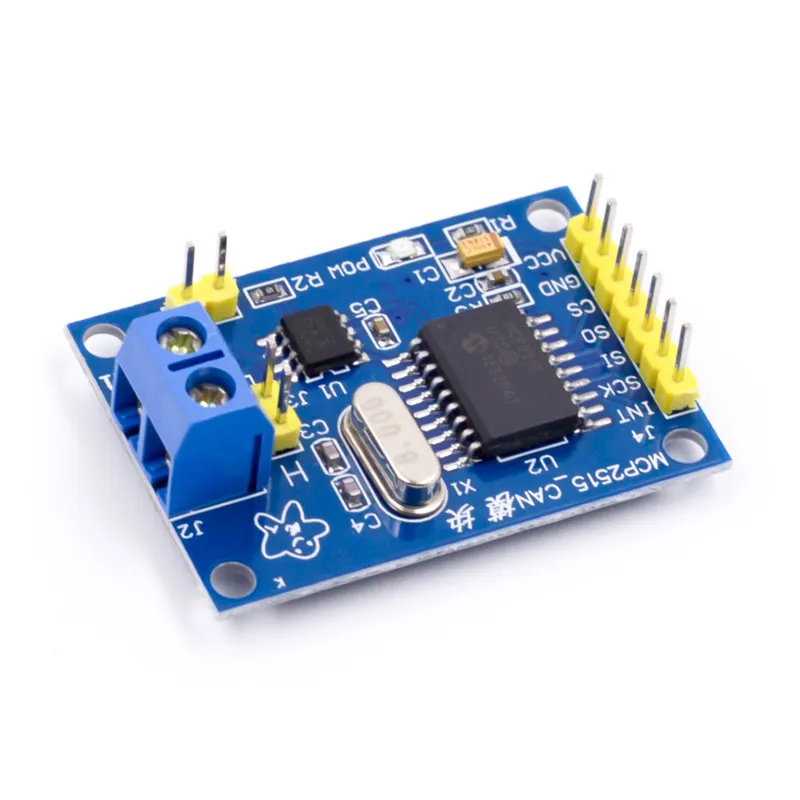
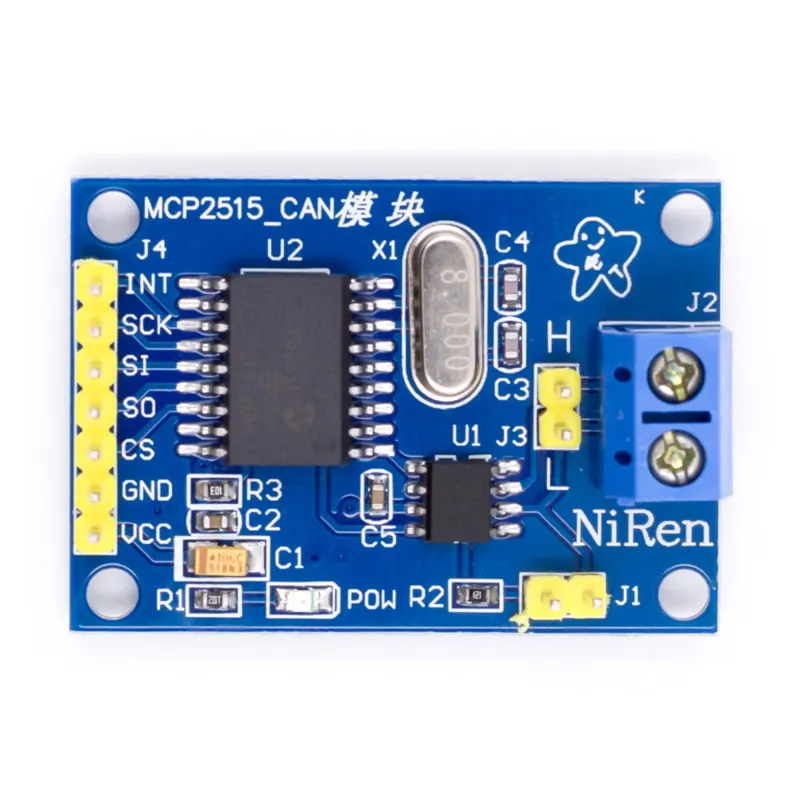
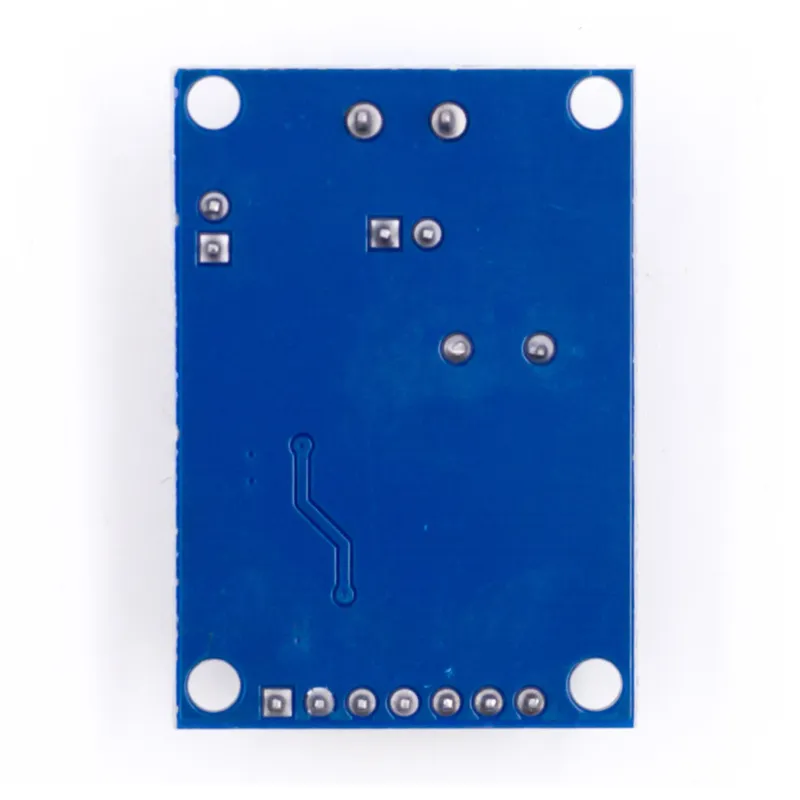
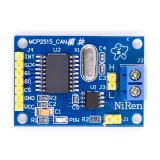
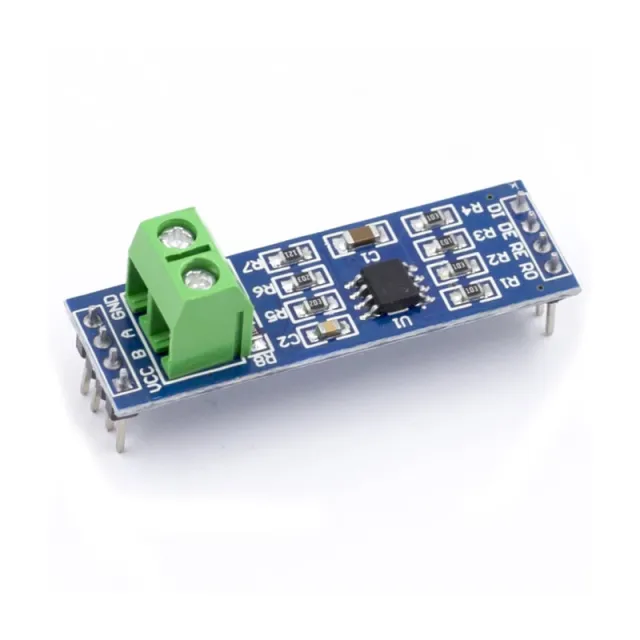
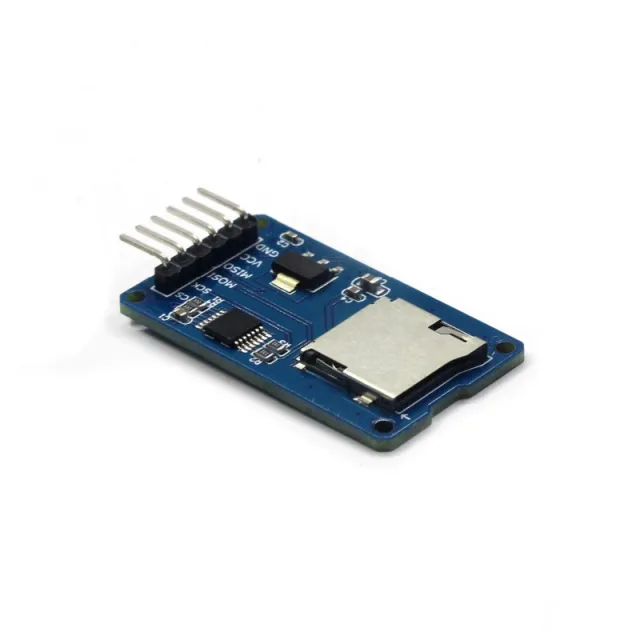
CAN-bus module voor Arduino en andere microcontrollerprojecten die via SPI met een CAN-bussysteem communiceren.
SKU: OT2083-D99 Número do artigo: AA204 EAN: 4374044390615 Localização: D09.09
Alternativa
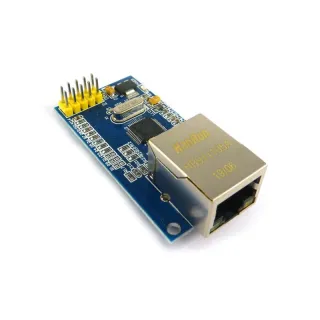
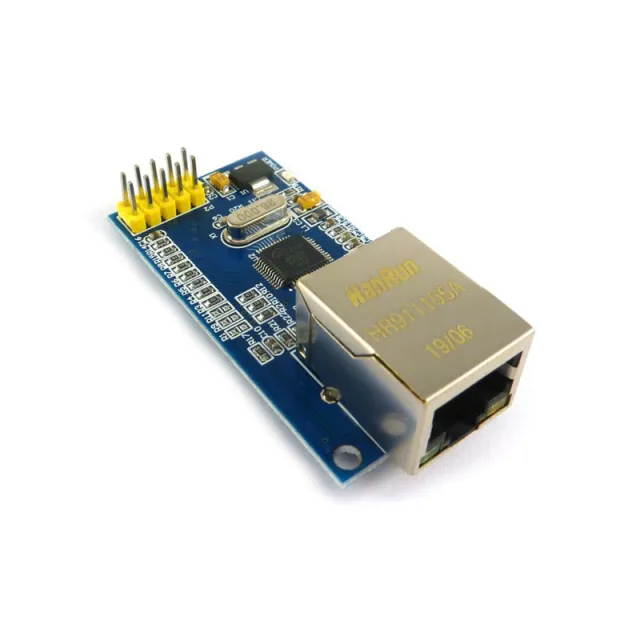
Módulo Ethernet SPI W5500
€ 7,65
Ver esta alternativa
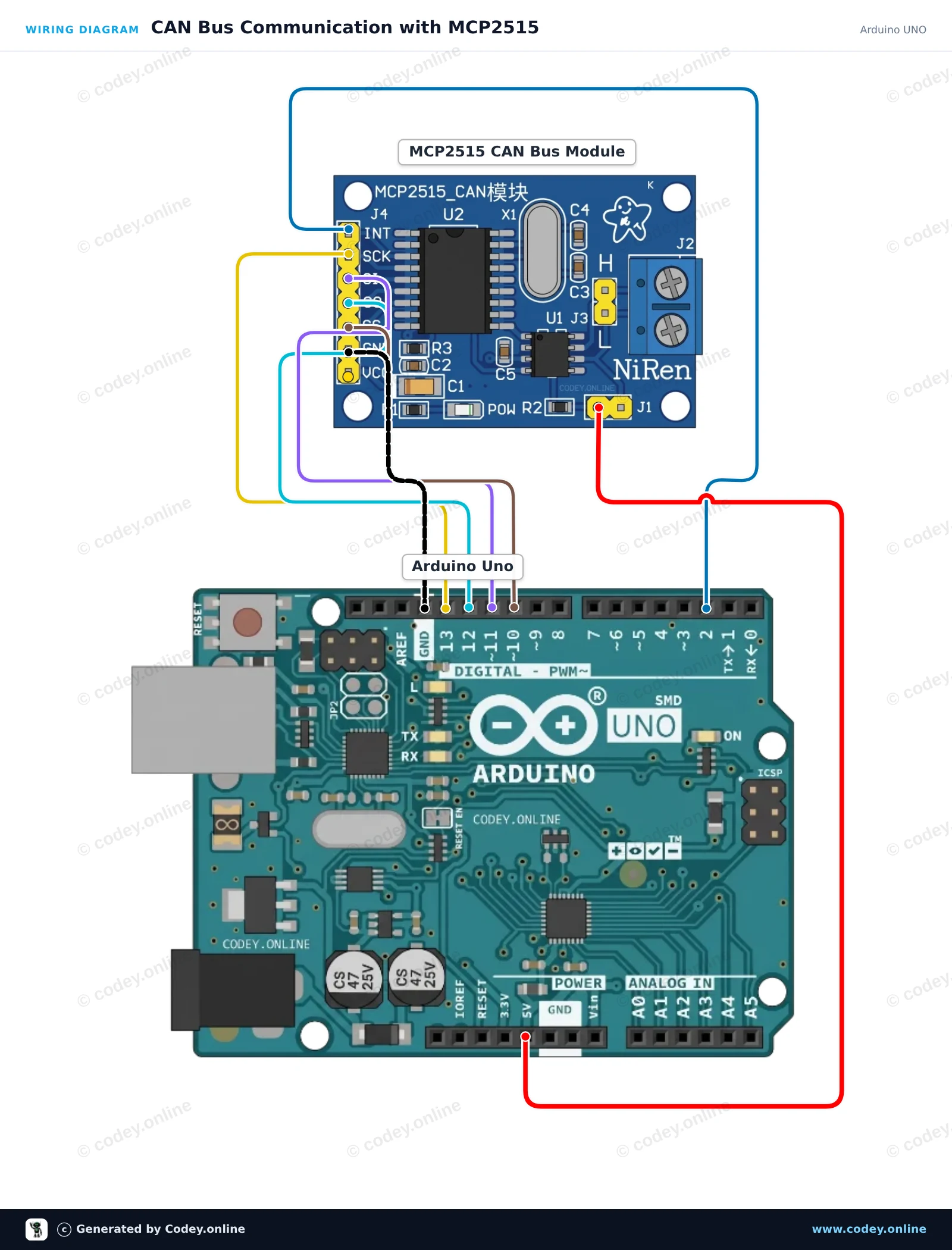
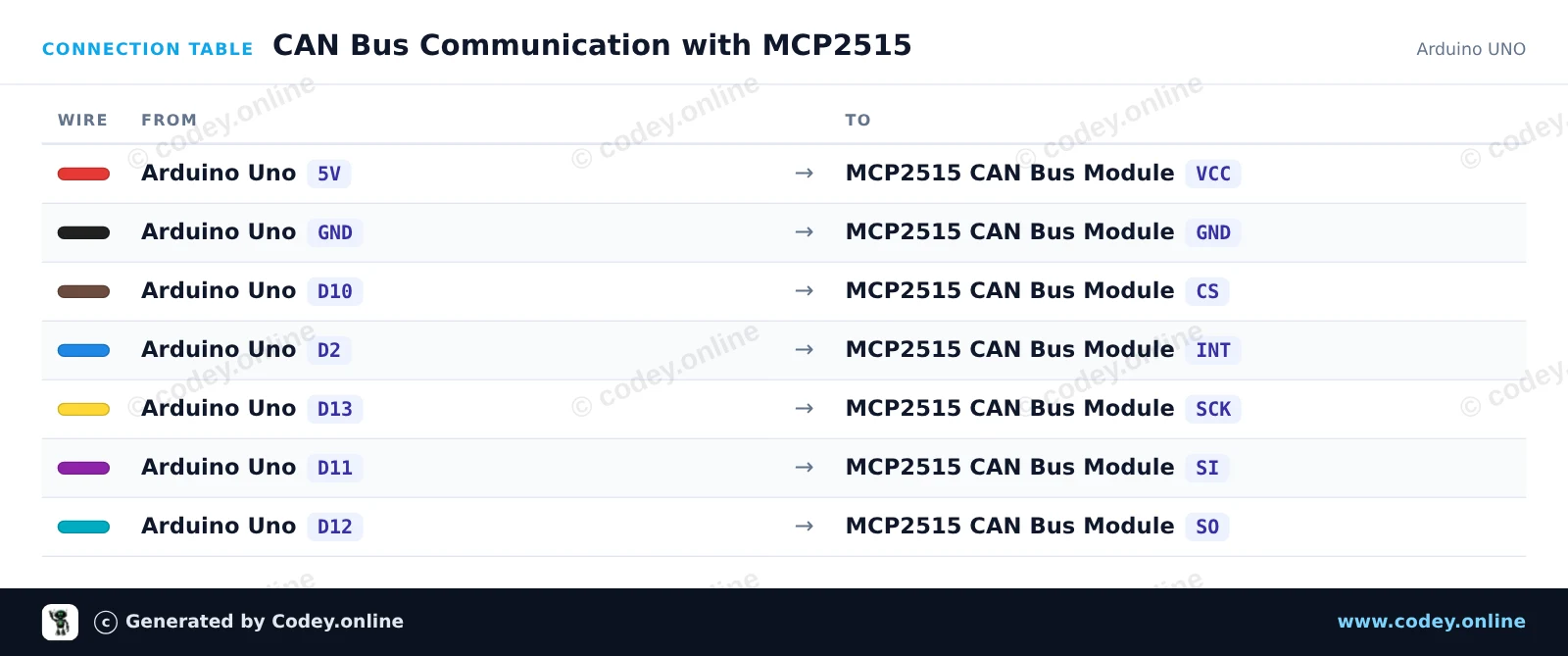
Como ligar o Módulo CAN-bus MCP2515 SPI 5V a um Arduino UNO ou ESP32, com um sketch de exemplo que podes carregar já.
Connects an MCP2515 CAN bus module to an Arduino Uno using hardware SPI. The sketch initializes the CAN controller at 500 kbps, sends a test CAN message every 2 seconds, and prints any received frames to the Serial Monitor.
/*
* ==================================================================
* Generated by Codey.online — https://www.codey.online
* ==================================================================
* Project : CAN Bus Communication with MCP2515
* Board : Arduino UNO (arduino:avr:uno)
* Parts : CAN-bus module MCP2515 SPI 5V
* Libraries : mcp_can 1.5.1
*
* Codey Online is an AI-powered browser IDE for Arduino and ESP32.
* Describe your project and Codey writes the code, draws the wiring
* diagram and uploads it to your board, straight from the browser.
* This code is free to use, modify and share, without warranty.
* ==================================================================
*/
#include <SPI.h>
#include <mcp_can.h>
const byte CAN_CS_PIN = 10;
const byte CAN_INT_PIN = 2;
MCP_CAN CAN(CAN_CS_PIN);
unsigned long lastSend = 0;
void setup() {
Serial.begin(115200);
pinMode(CAN_INT_PIN, INPUT);
// Initialize MCP2515 with standard 8MHz crystal at 500 kbps
if (CAN.begin(MCP_ANY, CAN_500KBPS, MCP_8MHZ) == CAN_OK) {
Serial.println(F("MCP2515 initialized successfully!"));
} else {
Serial.println(F("MCP2515 initialization failed!"));
while (1);
}
CAN.setMode(MCP_NORMAL);
Serial.println(F("CAN controller ready in normal mode."));
}
void loop() {
// Check for received CAN messages
if (CAN.checkReceive() == CAN_MSGAVAIL) {
unsigned long rxId;
byte len = 0;
byte rxBuf[8];
CAN.readMsgBuf(&rxId, &len, rxBuf);
Serial.print(F("RX -> ID: 0x"));
Serial.print(rxId, HEX);
Serial.print(F(" DLC: "));
Serial.print(len);
Serial.print(F(" Data: "));
for (byte i = 0; i < len; i++) {
if (rxBuf[i] < 0x10) Serial.print('0');
Serial.print(rxBuf[i], HEX);
Serial.print(' ');
}
Serial.println();
}
// Send a test packet every 2 seconds
if (millis() - lastSend >= 2000) {
lastSend = millis();
byte txData[4] = {0xDE, 0xAD, 0xBE, 0xEF};
byte sndStat = CAN.sendMsgBuf(0x100, 0, 4, txData);
if (sndStat == CAN_OK) {
Serial.println(F("TX -> Sent frame (ID: 0x100, Data: DE AD BE EF)"));
} else {
Serial.println(F("TX -> Error sending message"));
}
}
}
Bibliotecas necessárias: mcp_can 1.5.1
Wiring diagram and example code generated by Codey.online — https://www.codey.online
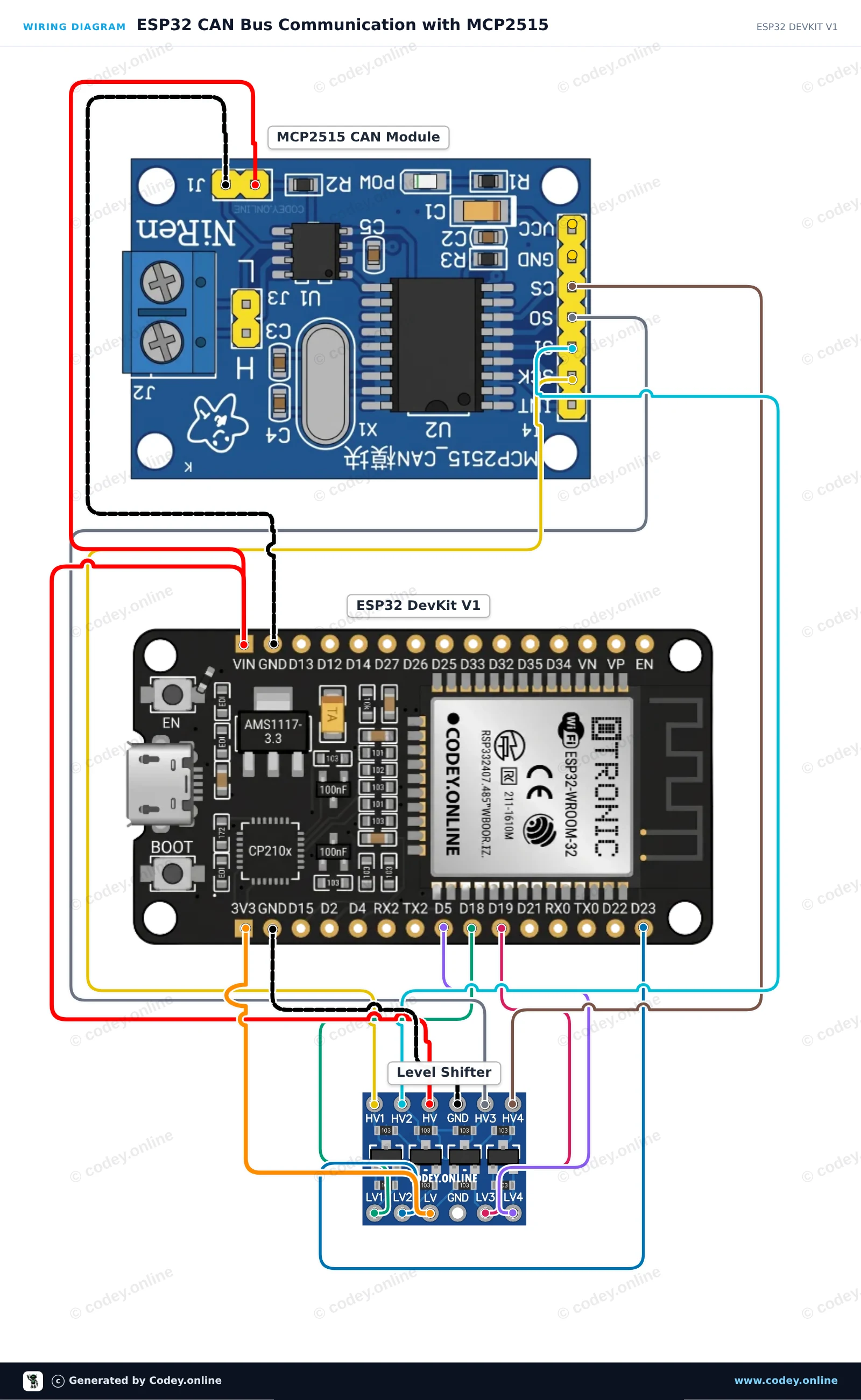
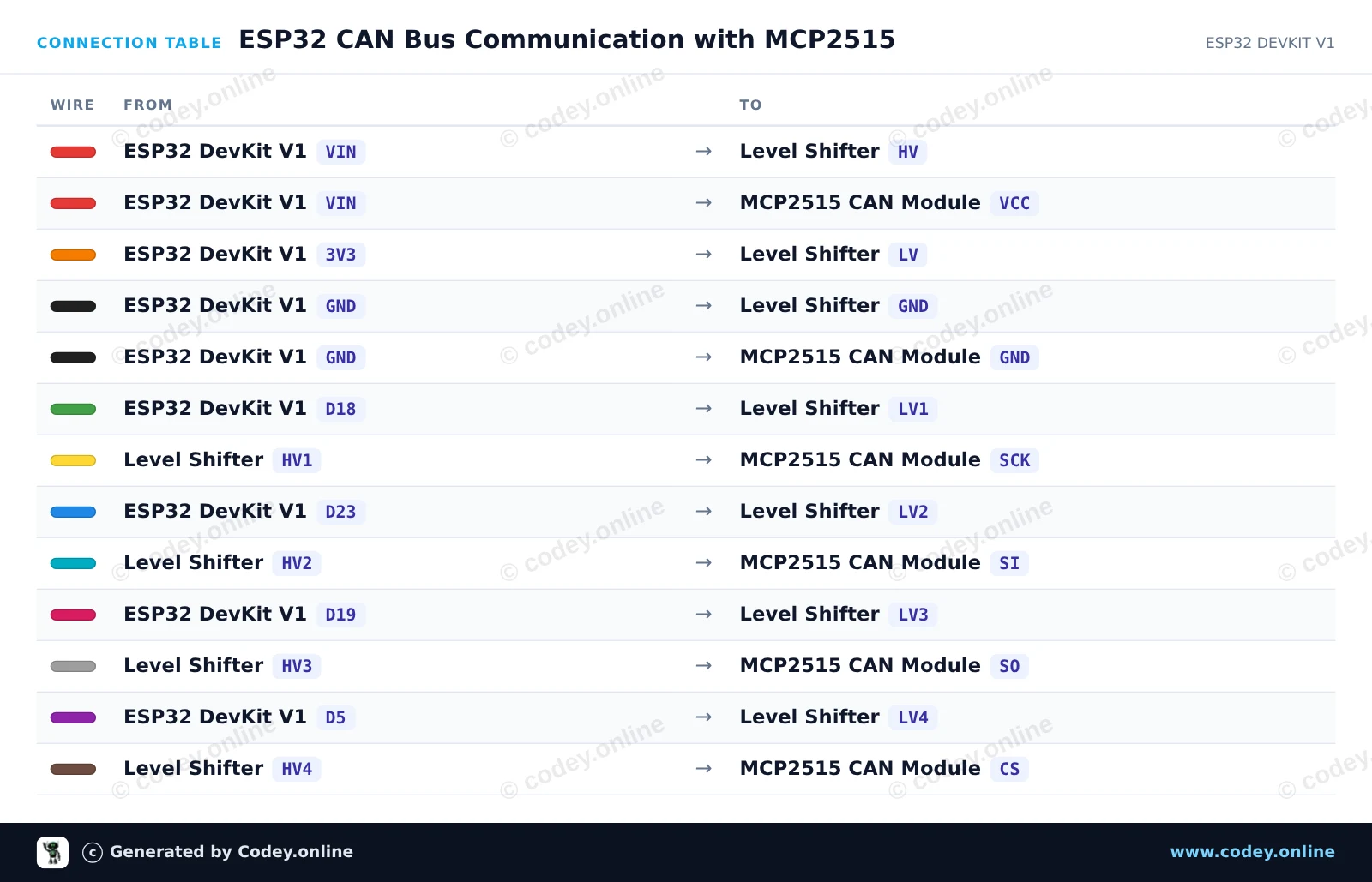
This circuit connects an ESP32 to an MCP2515 CAN-bus module via SPI, using a 4-channel bidirectional level shifter to protect the ESP32's 3.3V logic from the 5V module. The sketch initializes the CAN controller at 500 kbps, sends a test CAN data frame every two seconds, and prints any received CAN bus messages to the Serial Monitor.
/*
* ==================================================================
* Generated by Codey.online — https://www.codey.online
* ==================================================================
* Project : ESP32 CAN Bus Communication with MCP2515
* Board : ESP32 DEVKIT V1 (esp32:esp32:esp32doit-devkit-v1)
* Parts : CAN-bus module MCP2515 SPI 5V
* Libraries : mcp_can 1.5.1
*
* Codey Online is an AI-powered browser IDE for Arduino and ESP32.
* Describe your project and Codey writes the code, draws the wiring
* diagram and uploads it to your board, straight from the browser.
* This code is free to use, modify and share, without warranty.
* ==================================================================
*/
#include <SPI.h>
#include <mcp_can.h>
const int CAN_CS_PIN = 5;
MCP_CAN CAN0(CAN_CS_PIN);
void setup() {
Serial.begin(115200);
while (!Serial);
// Initialize MCP2515 running at 8MHz clock and 500kbps CAN baud rate
if (CAN0.begin(MCP_ANY, CAN_500KBPS, MCP_8MHZ) == CAN_OK) {
Serial.println("MCP2515 Initialized Successfully!");
} else {
Serial.println("Error Initializing MCP2515...");
}
CAN0.setMode(MCP_NORMAL);
}
void loop() {
// Prepare sample data payload (8 bytes)
byte data[8] = {0x11, 0x22, 0x33, 0x44, 0x55, 0x66, 0x77, 0x88};
// Send CAN message with standard ID 0x100
byte sndStat = CAN0.sendMsgBuf(0x100, 0, 8, data);
if (sndStat == CAN_OK) {
Serial.println("CAN Message Sent Successfully!");
} else {
Serial.println("Error Sending CAN Message...");
}
// Check for incoming CAN messages
if (CAN0.checkReceive() == CAN_MSGAVAIL) {
long unsigned int rxId;
unsigned char len = 0;
unsigned char rxBuf[8];
CAN0.readMsgBuf(&rxId, &len, rxBuf);
Serial.print("Received ID: 0x");
Serial.print(rxId, HEX);
Serial.print(" Data: ");
for (byte i = 0; i < len; i++) {
Serial.print("0x");
if (rxBuf[i] < 0x10) Serial.print("0");
Serial.print(rxBuf[i], HEX);
Serial.print(" ");
}
Serial.println();
}
delay(2000);
}
Bibliotecas necessárias: mcp_can 1.5.1
Wiring diagram and example code generated by Codey.online — https://www.codey.online
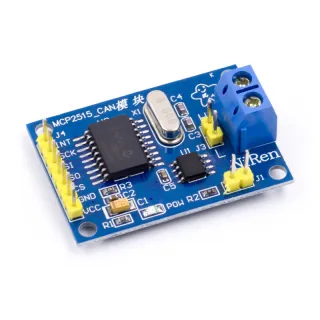
O módulo CAN-bus MCP2515 é adequado para Arduino e outros projetos de microcontroladores em que pretende comunicar com um sistema CAN-bus através do protocolo SPI.
Suporta CAN V2.0B com uma velocidade de comunicação de 1 Mb/s.
Tensão de alimentação: 5V
Interface: controlável com SPI
Dimensões: cerca de 2,8 x 4,8 cm
Dimensões
Comprimento: 4cm
Largura: 2,8cm
Altura: 1,2cm

| Largura | 2,8 cm |
|---|---|
| Comprimento | 4 cm |
| Tensão de alimentação | 5V |
| Altura | 1,2 cm |
| Versão CAN | V2.0B |
| Velocidade de comunicação | 1 Mb/s |
Ainda sem avaliações.
Não ficas satisfeito? Tens 30 dias após a receção para devolver o produto.
Tudo sobre devoluções
Módulo CAN-bus MCP2515 SPI 5V