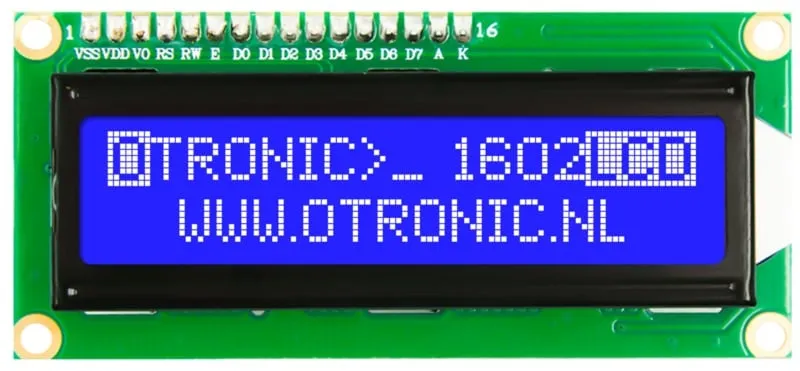
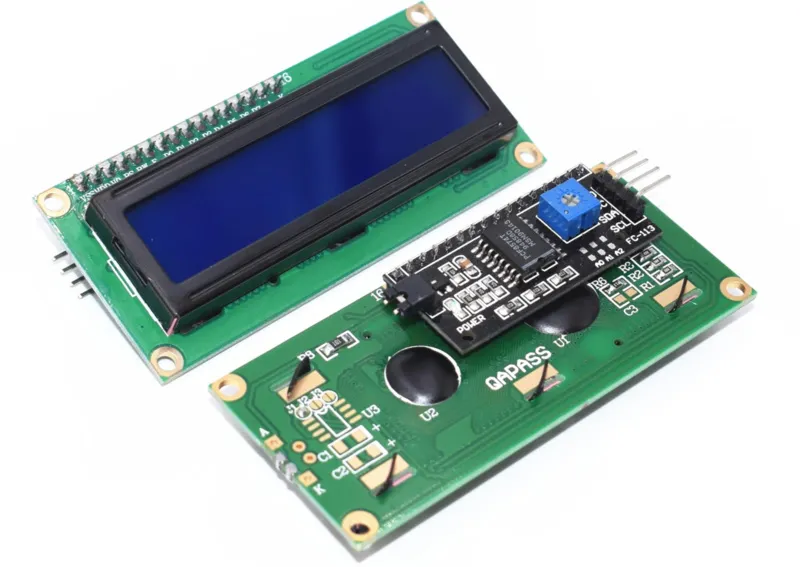
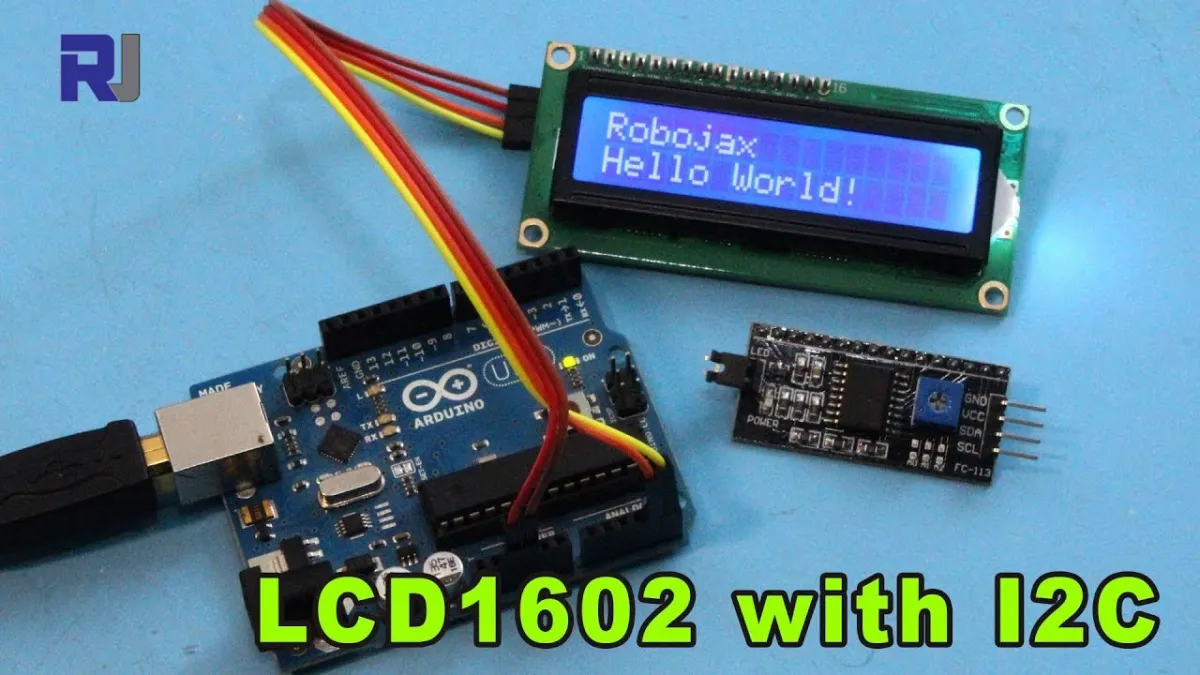
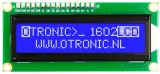
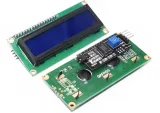
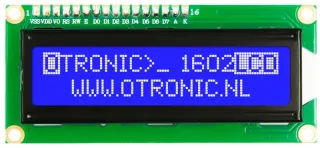
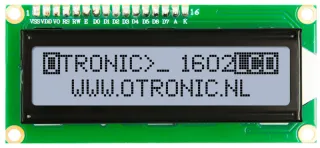
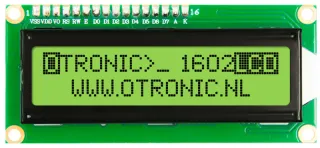
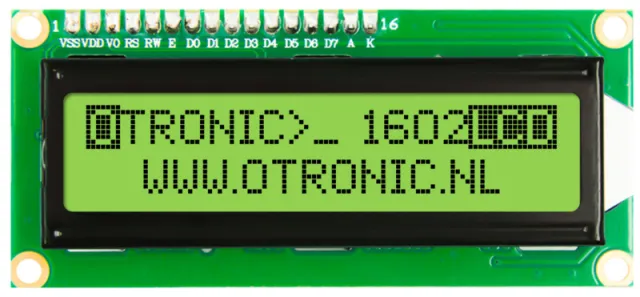
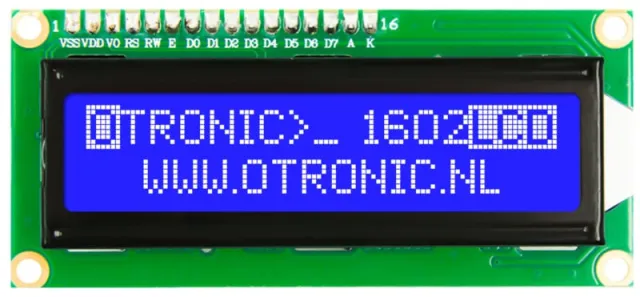
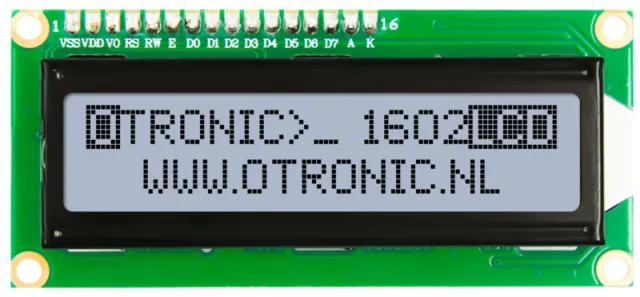
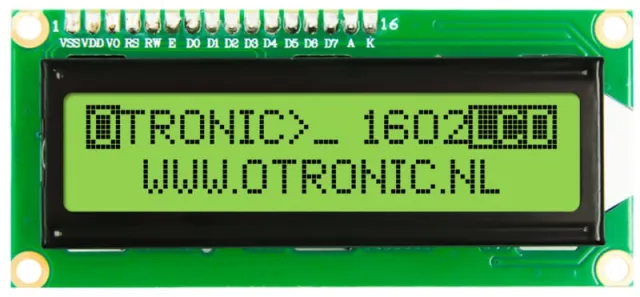
1602 LCD-display met I2C voor Arduino, ESP32, ESP8266 en Raspberry Pi projecten.
SKU: OT850-C36 Número do artigo: 4F103 EAN: 8720589817180 Localização: C03.06
Alternativa
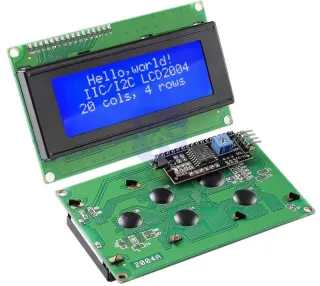
2004 LCD retroiluminação azul 20x4 com I2C pré-soldado
€ 6,70
Ver esta alternativa
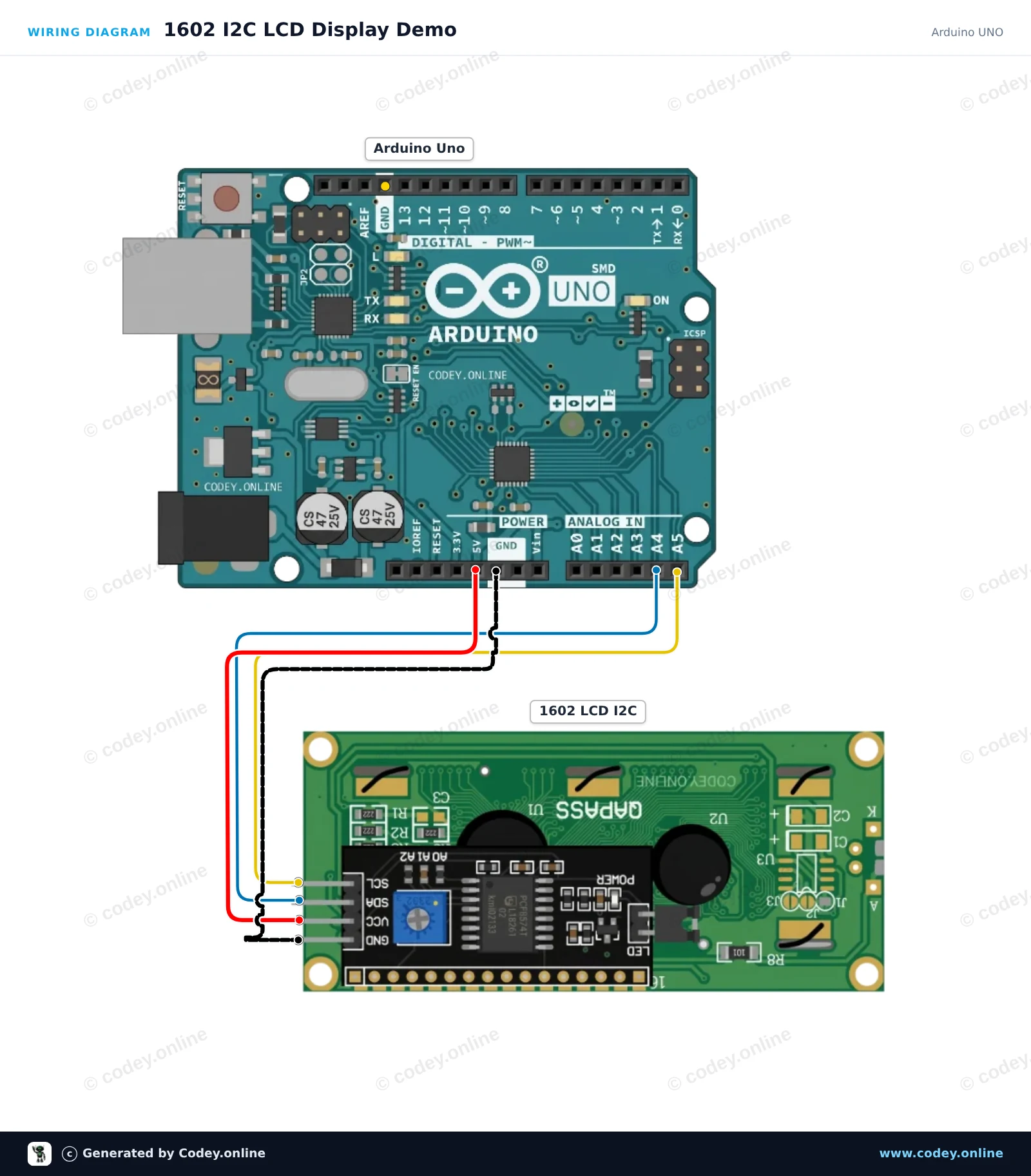
Como ligar o LCD 1602 com retroiluminação azul e I2C pré-soldado a um Arduino UNO ou ESP32, com um sketch de exemplo que podes carregar já.
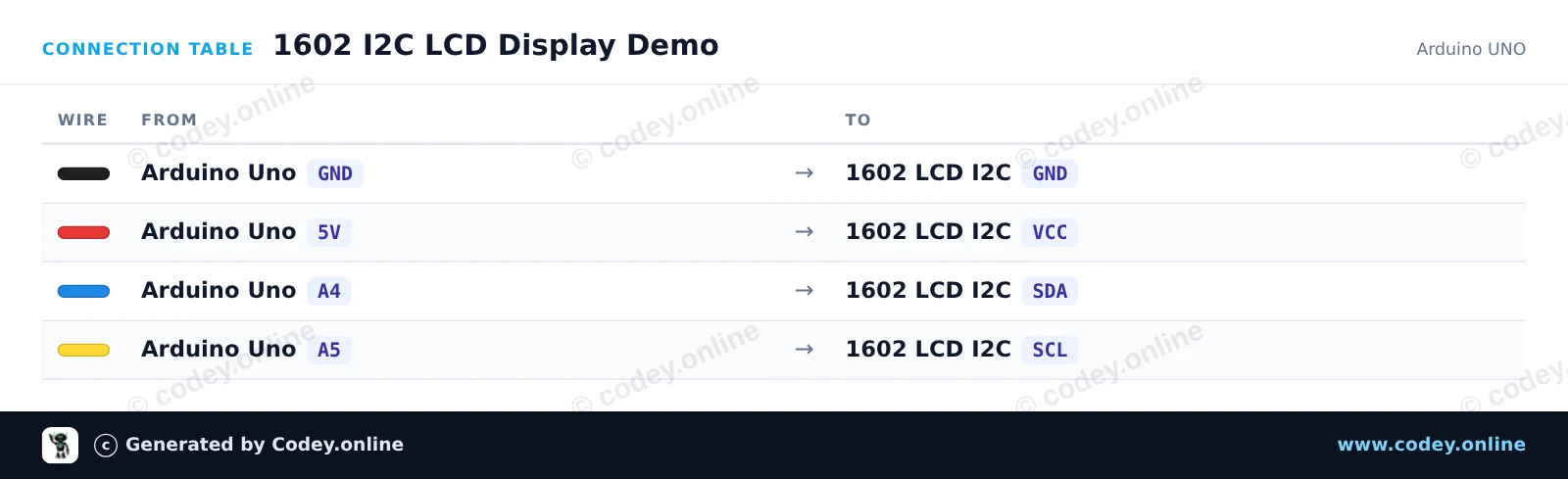
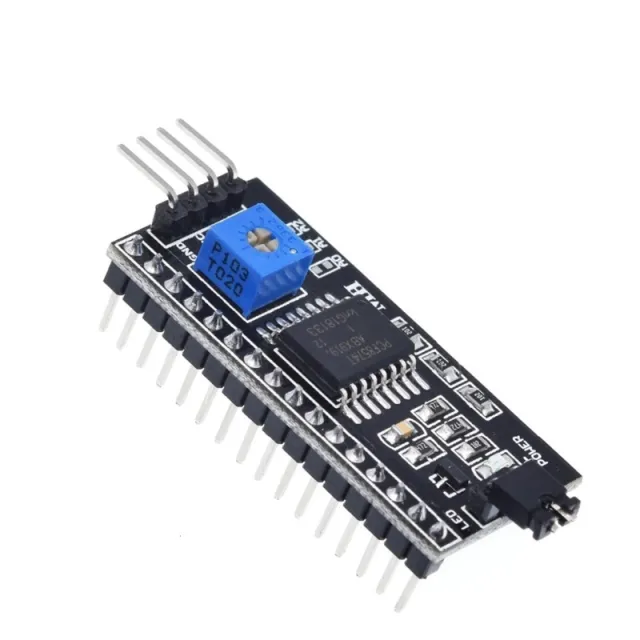
Connect the 1602 I2C LCD display to the Arduino Uno using just four wires. The sketch initializes the display, enables the backlight, and shows a greeting along with a live uptime counter updated every second. Adjust the small potentiometer on the back of the module if the text appears too faint or dark.
/*
* ==================================================================
* Generated by Codey.online — https://www.codey.online
* ==================================================================
* Project : 1602 I2C LCD Display Demo
* Board : Arduino UNO (arduino:avr:uno)
* Parts : 1602 LCD I2C DISPLAY
* Libraries : LiquidCrystal I2C 1.1.2
*
* Codey Online is an AI-powered browser IDE for Arduino and ESP32.
* Describe your project and Codey writes the code, draws the wiring
* diagram and uploads it to your board, straight from the browser.
* This code is free to use, modify and share, without warranty.
* ==================================================================
*/
#include <Wire.h>
#include <LiquidCrystal_I2C.h>
// Set the LCD address to 0x27 for a 16 chars and 2 line display
// (If your display stays blank, try address 0x3F)
LiquidCrystal_I2C lcd(0x27, 16, 2);
void setup() {
Serial.begin(115200);
Serial.println(F("Starting 1602 I2C LCD demo..."));
lcd.init();
lcd.backlight();
lcd.setCursor(0, 0);
lcd.print(F("Hello, World!"));
}
void loop() {
// Display the running uptime in seconds on the second line
unsigned long seconds = millis() / 1000;
lcd.setCursor(0, 1);
lcd.print(F("Uptime: "));
lcd.print(seconds);
lcd.print(F("s "));
Serial.print(F("Uptime: "));
Serial.print(seconds);
Serial.println(F(" s"));
delay(1000);
}
Bibliotecas necessárias: LiquidCrystal I2C 1.1.2
Wiring diagram and example code generated by Codey.online — https://www.codey.online
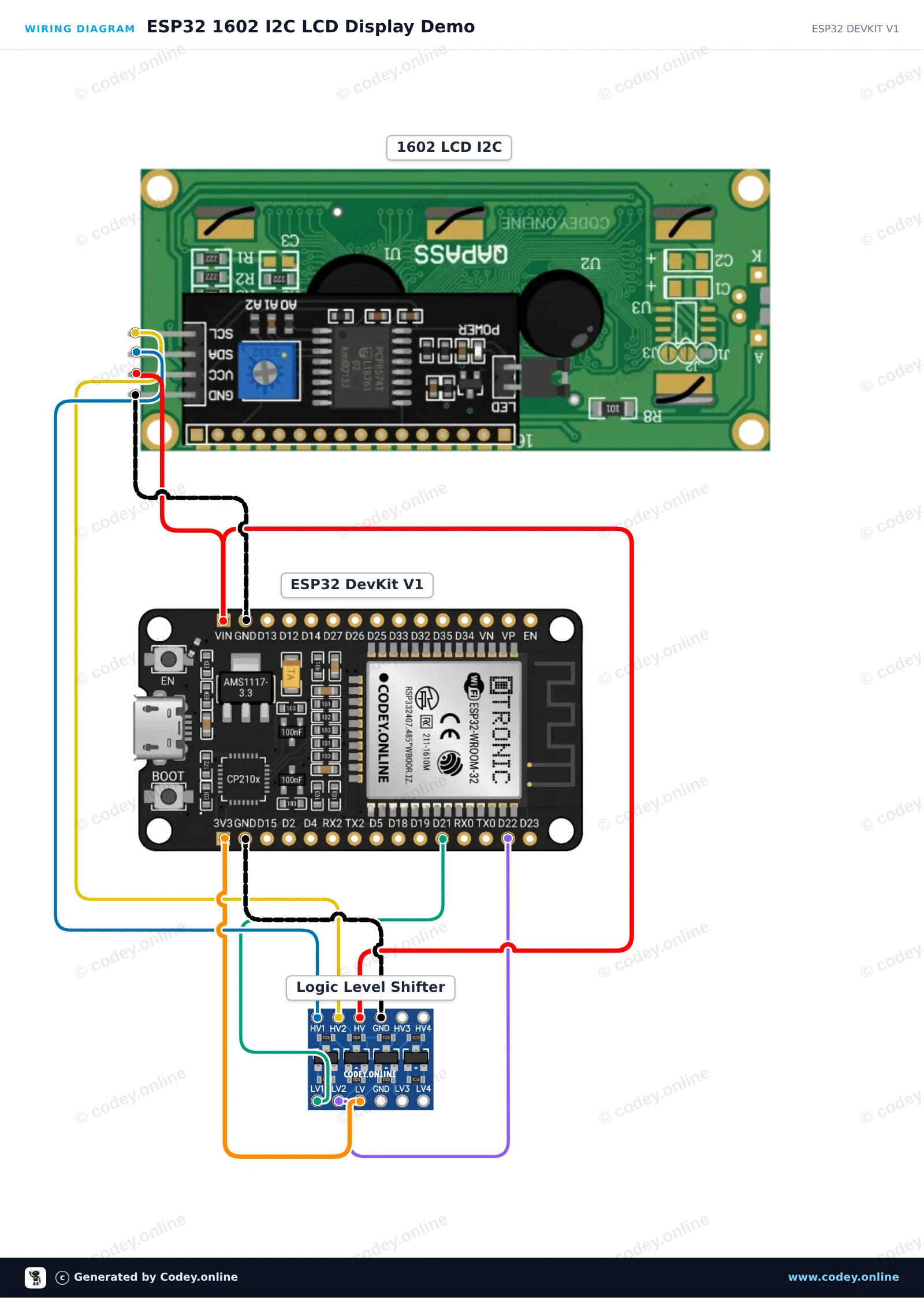
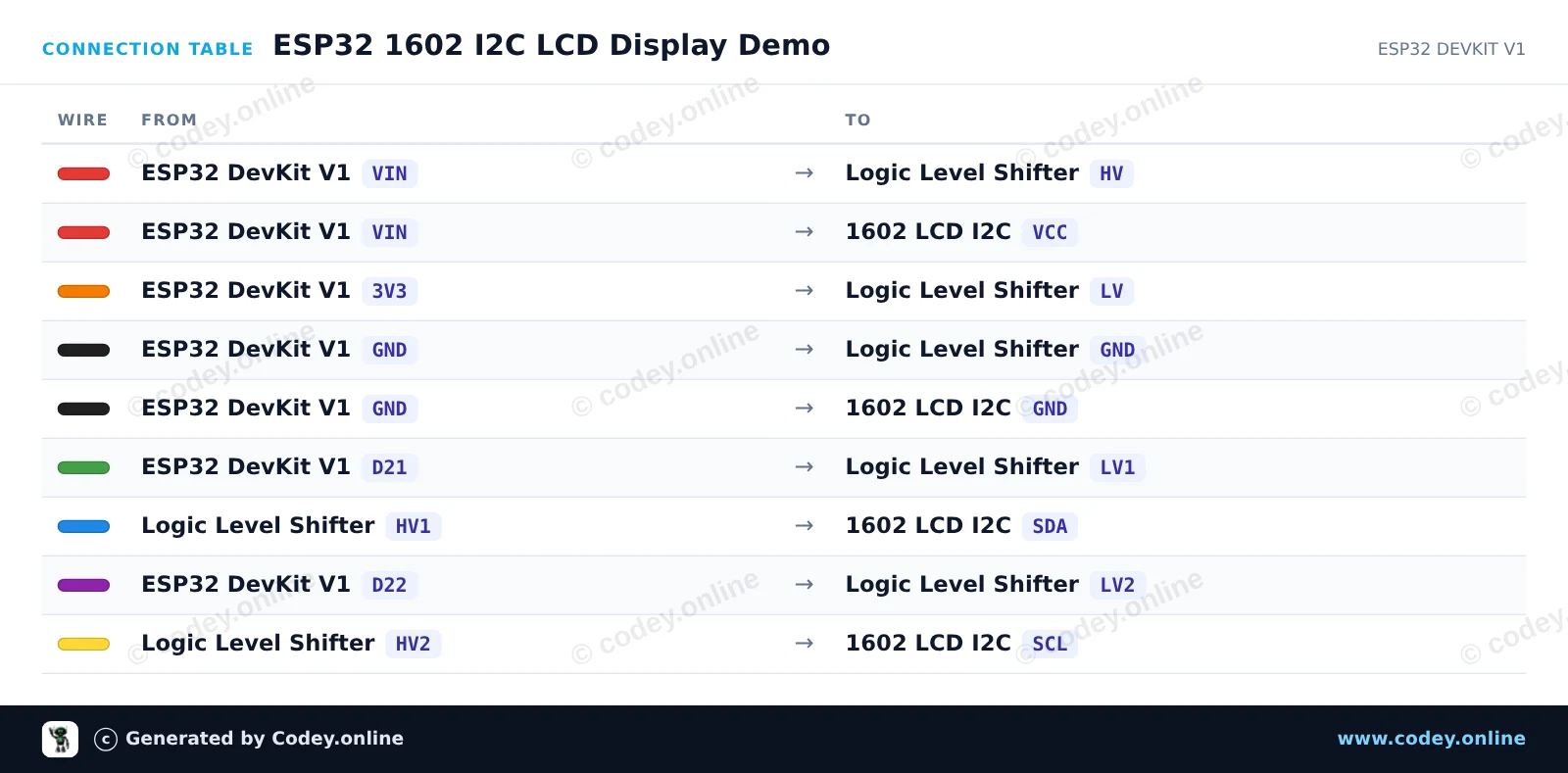
This project demonstrates how to connect a 5V 1602 I2C LCD display to an ESP32 using a logic level shifter for safe bidirectional communication. The display initializes, turns on the backlight, and shows a welcome message alongside an updating uptime counter.
/*
* ==================================================================
* Generated by Codey.online — https://www.codey.online
* ==================================================================
* Project : ESP32 1602 I2C LCD Display Demo
* Board : ESP32 DEVKIT V1 (esp32:esp32:esp32doit-devkit-v1)
* Parts : 1602 LCD I2C DISPLAY
* Libraries : LiquidCrystal I2C 1.1.2
*
* Codey Online is an AI-powered browser IDE for Arduino and ESP32.
* Describe your project and Codey writes the code, draws the wiring
* diagram and uploads it to your board, straight from the browser.
* This code is free to use, modify and share, without warranty.
* ==================================================================
*/
#include <Wire.h>
#include <LiquidCrystal_I2C.h>
// Set LCD I2C address (commonly 0x27 or 0x3F) and dimensions (16 columns, 2 rows)
LiquidCrystal_I2C lcd(0x27, 16, 2);
void setup() {
// Initialize I2C with ESP32 default pins: SDA (GPIO 21), SCL (GPIO 22)
Wire.begin(21, 22);
lcd.init();
lcd.backlight();
lcd.setCursor(0, 0);
lcd.print("ESP32 LCD Demo");
lcd.setCursor(0, 1);
lcd.print("Uptime: ");
}
void loop() {
// Update uptime counter in seconds
lcd.setCursor(8, 1);
lcd.print(millis() / 1000);
lcd.print("s ");
delay(500);
}
Bibliotecas necessárias: LiquidCrystal I2C 1.1.2
Wiring diagram and example code generated by Codey.online — https://www.codey.online
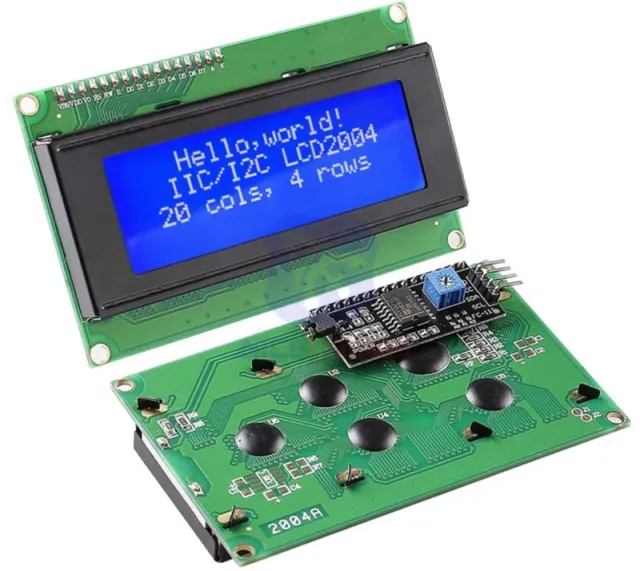
LCD 1602 com módulo I2C pré-soldado. Pronto a usar no seu projeto Arduino, ESP32, ESP8266 ou Raspberry Pi. Muito mais fácil do que sem este módulo. Agora são necessários apenas 4 fios para controlar este display LCD.
LCD com retroiluminação azul e caracteres brancos. 2 linhas, 20 caracteres por linha. O contraste é ajustável (por software).
– Funciona com: 5V
– Dimensões: 98mm x 60mm x 15mm.
Inclui módulo I2C!
Comece rapidamente com este display LCD OTRONIC 1602 com módulo I2C. Descarregue o GUIA DE INÍCIO RÁPIDO OTRONIC 1602 LCD para um esquema de ligação e código de exemplo para o software Arduino IDE.
Dimensões
Comprimento: 8cm
Largura: 2,6cm
Altura: 1,1cm
| Dimensões | 98 x 60 x 15 mm |
|---|---|
| Cor | azul |
| Conexão | I2C |
| Tensão de trabalho | 5V |
| Linhas | 2 |
| Caracteres por linha | 20 |
Conforme a minha encomenda
faz exatamente o que tem de fazer
Não ficas satisfeito? Tens 30 dias após a receção para devolver o produto.
Tudo sobre devoluções
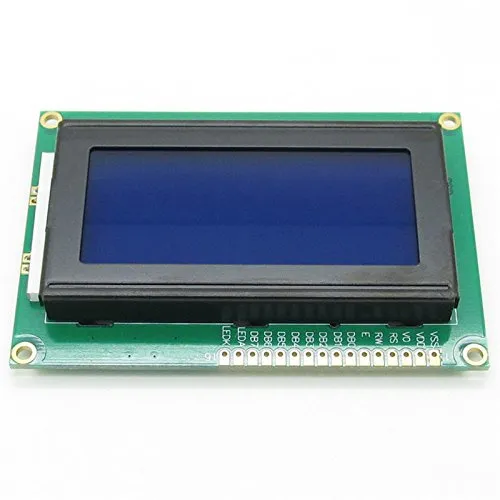
LCD 1602 com retroiluminação azul e I2C pré-soldado