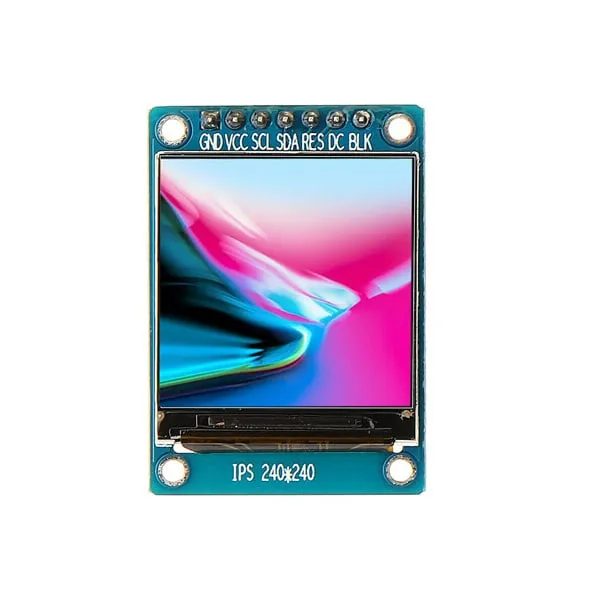
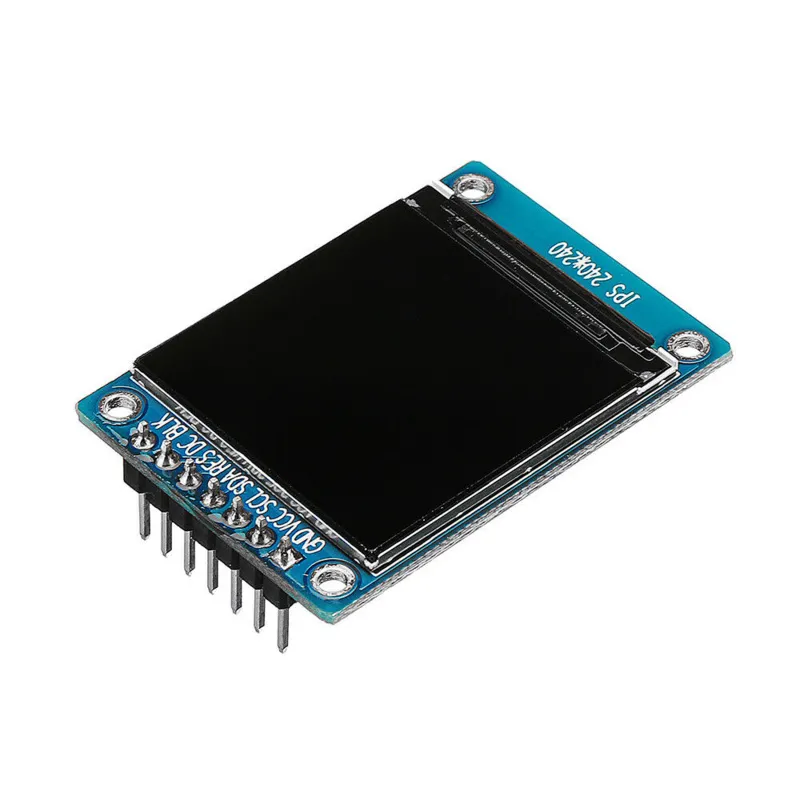
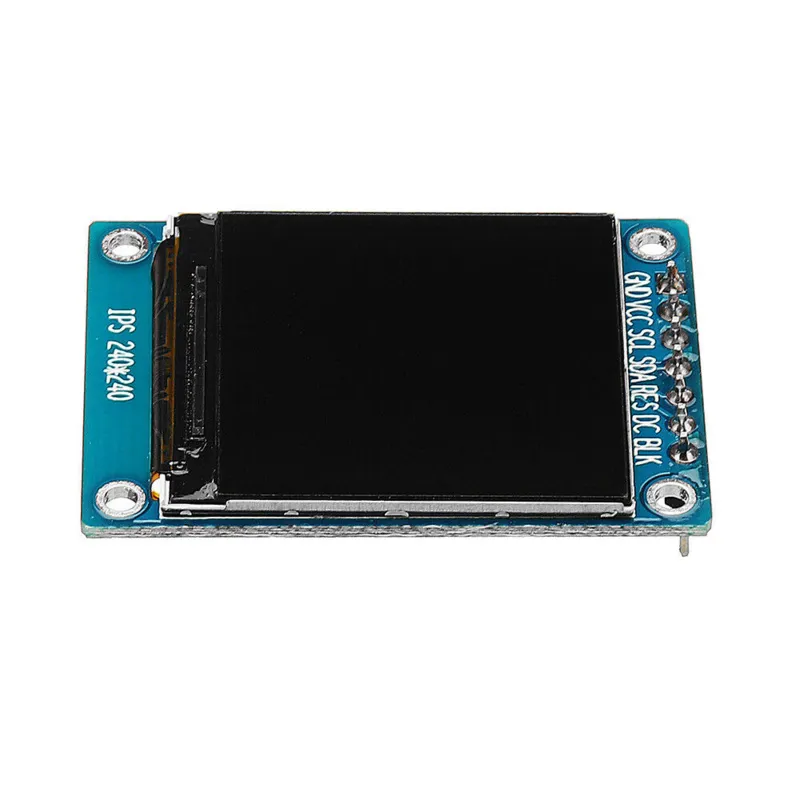
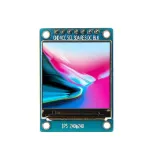
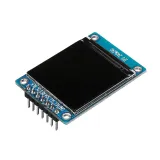
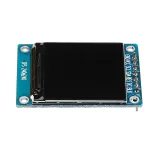
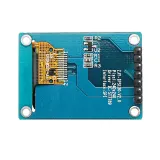
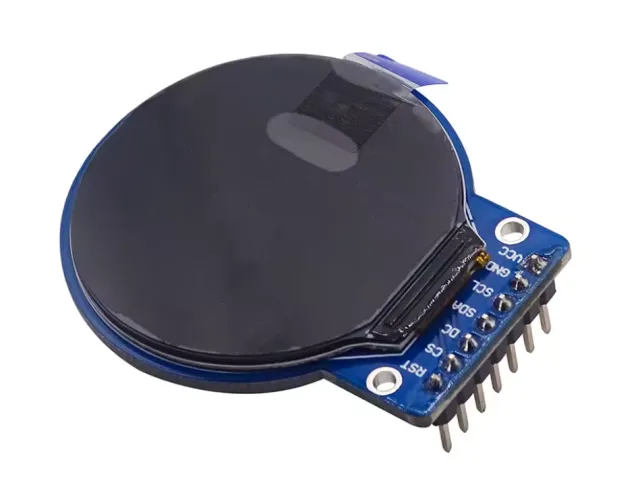
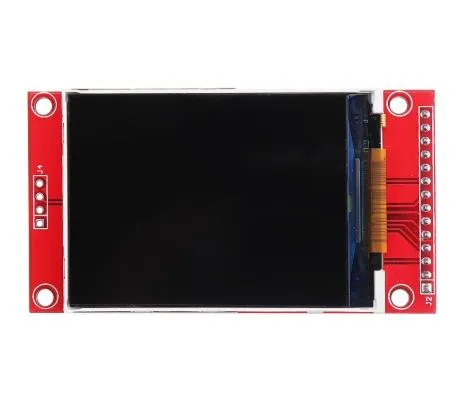
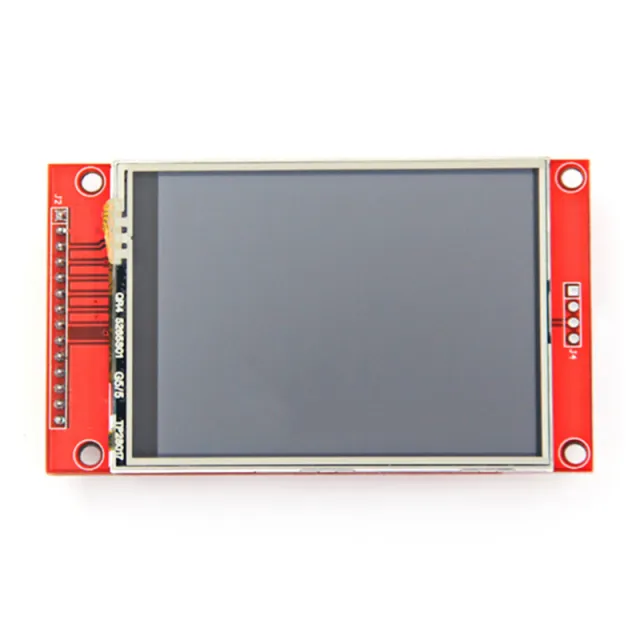
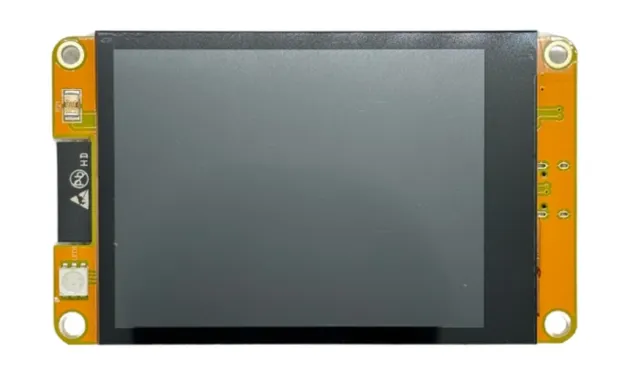
Klein 1,3 inch IPS TFT-display voor projecten met microcontrollers of microcomputers.
SKU: OT3499 Número do artigo: AA431 EAN: 8720618489661 Localização: H04.06
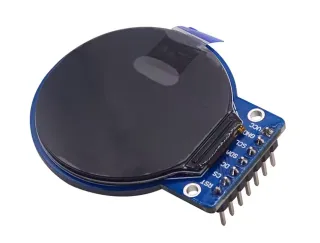
Alternativa
1,28″ TFT LCD redondo 240×240 (GC9A01, SPI) para Arduino
€ 8,99
Ver esta alternativa
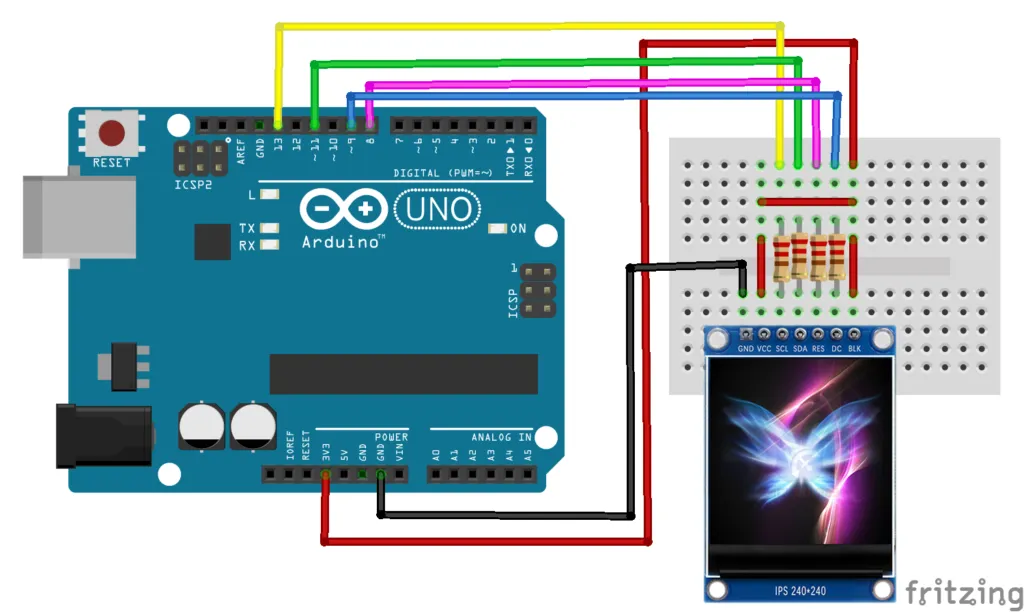
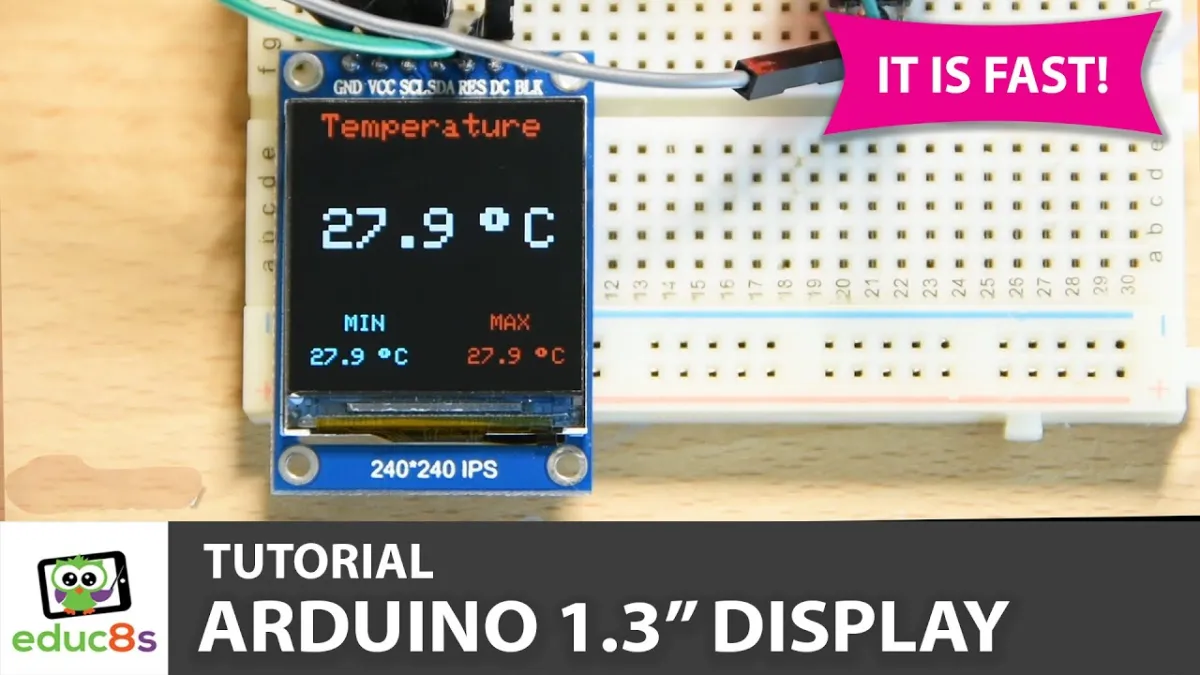
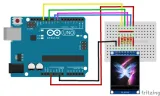
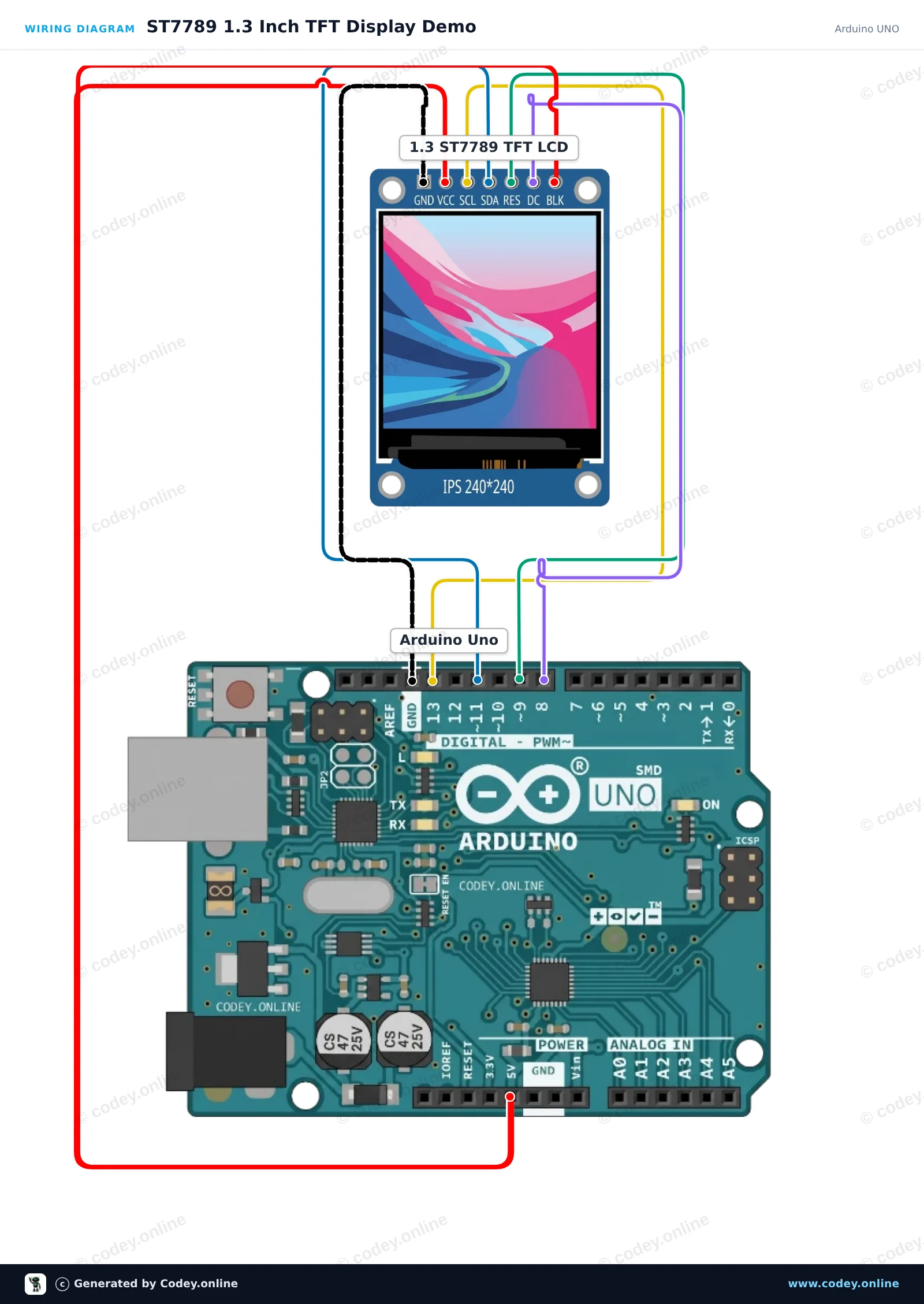
Como ligar o Display LCD TFT SPI de 1.3inch RGB (ST7789, 3.3V) a um Arduino UNO ou ESP32, com um sketch de exemplo que podes carregar já.
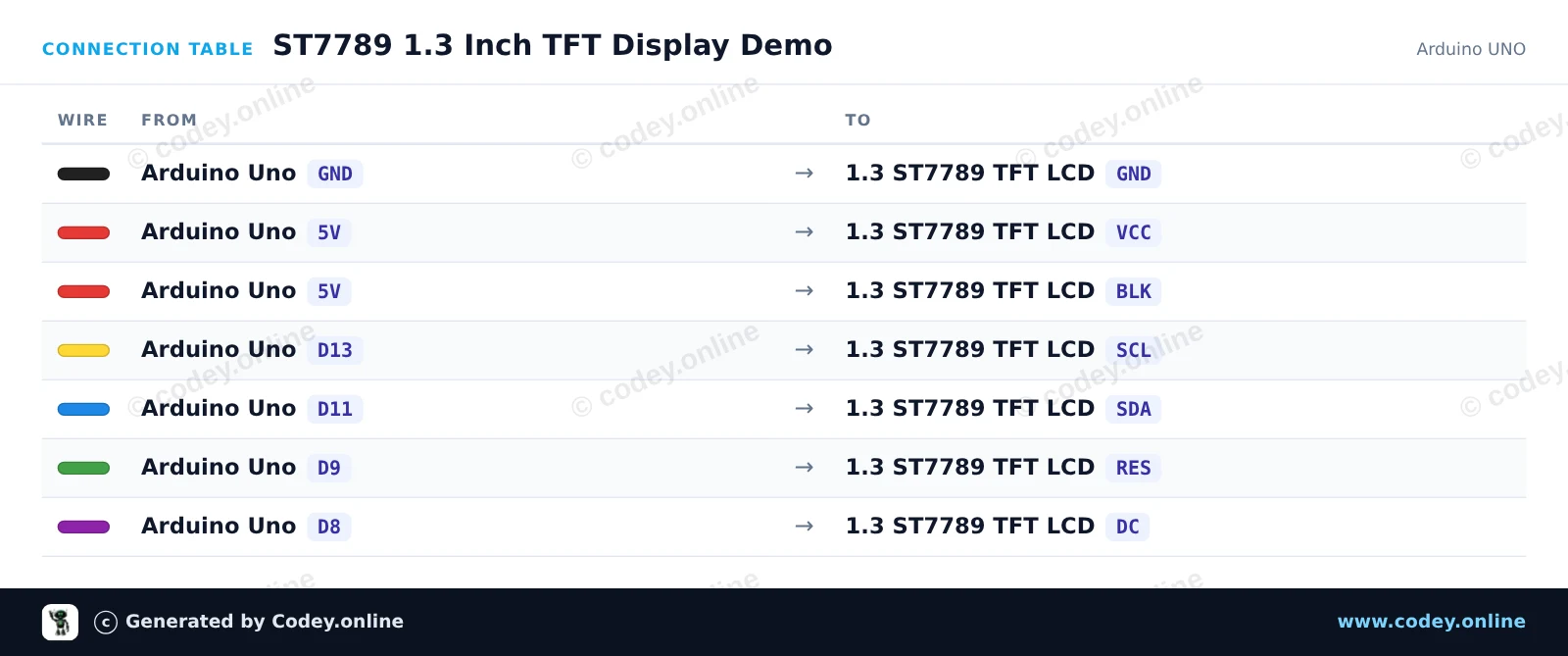
This project initializes a 1.3-inch 240x240 ST7789 SPI TFT display with an Arduino Uno. The sketch draws greeting text, shapes, and colorful graphics to demonstrate display capabilities. Connect the display directly to the Arduino SPI pins as shown.
/*
* ==================================================================
* Generated by Codey.online — https://www.codey.online
* ==================================================================
* Project : ST7789 1.3 Inch TFT Display Demo
* Board : Arduino UNO (arduino:avr:uno)
* Parts : LCD Display TFT 1.3inch ST7789
* Libraries : Adafruit ST7735 and ST7789 Library 1.11.0
*
* Codey Online is an AI-powered browser IDE for Arduino and ESP32.
* Describe your project and Codey writes the code, draws the wiring
* diagram and uploads it to your board, straight from the browser.
* This code is free to use, modify and share, without warranty.
* ==================================================================
*/
#include <Adafruit_ST7789.h>
#include <SPI.h>
#define TFT_CS -1
#define TFT_DC 8
#define TFT_RST 9
Adafruit_ST7789 tft = Adafruit_ST7789(TFT_CS, TFT_DC, TFT_RST);
void setup() {
Serial.begin(115200);
Serial.println(F("ST7789 TFT Display Demo"));
// Initialize 240x240 pixel ST7789 display
tft.init(240, 240);
tft.setRotation(0);
tft.fillScreen(ST77XX_BLACK);
// Draw greeting text
tft.setTextWrap(false);
tft.setTextSize(2);
tft.setTextColor(ST77XX_WHITE);
tft.setCursor(20, 20);
tft.println(F("Hello!"));
tft.setTextColor(ST77XX_CYAN);
tft.setCursor(20, 50);
tft.println(F("ST7789 1.3 TFT"));
// Draw sample graphics
tft.drawRect(10, 85, 220, 130, ST77XX_YELLOW);
tft.fillCircle(60, 145, 25, ST77XX_RED);
tft.fillTriangle(120, 185, 160, 115, 200, 185, ST77XX_GREEN);
Serial.println(F("Display ready."));
}
void loop() {
// Static demo
}
Bibliotecas necessárias: Adafruit ST7735 and ST7789 Library 1.11.0
Wiring diagram and example code generated by Codey.online — https://www.codey.online
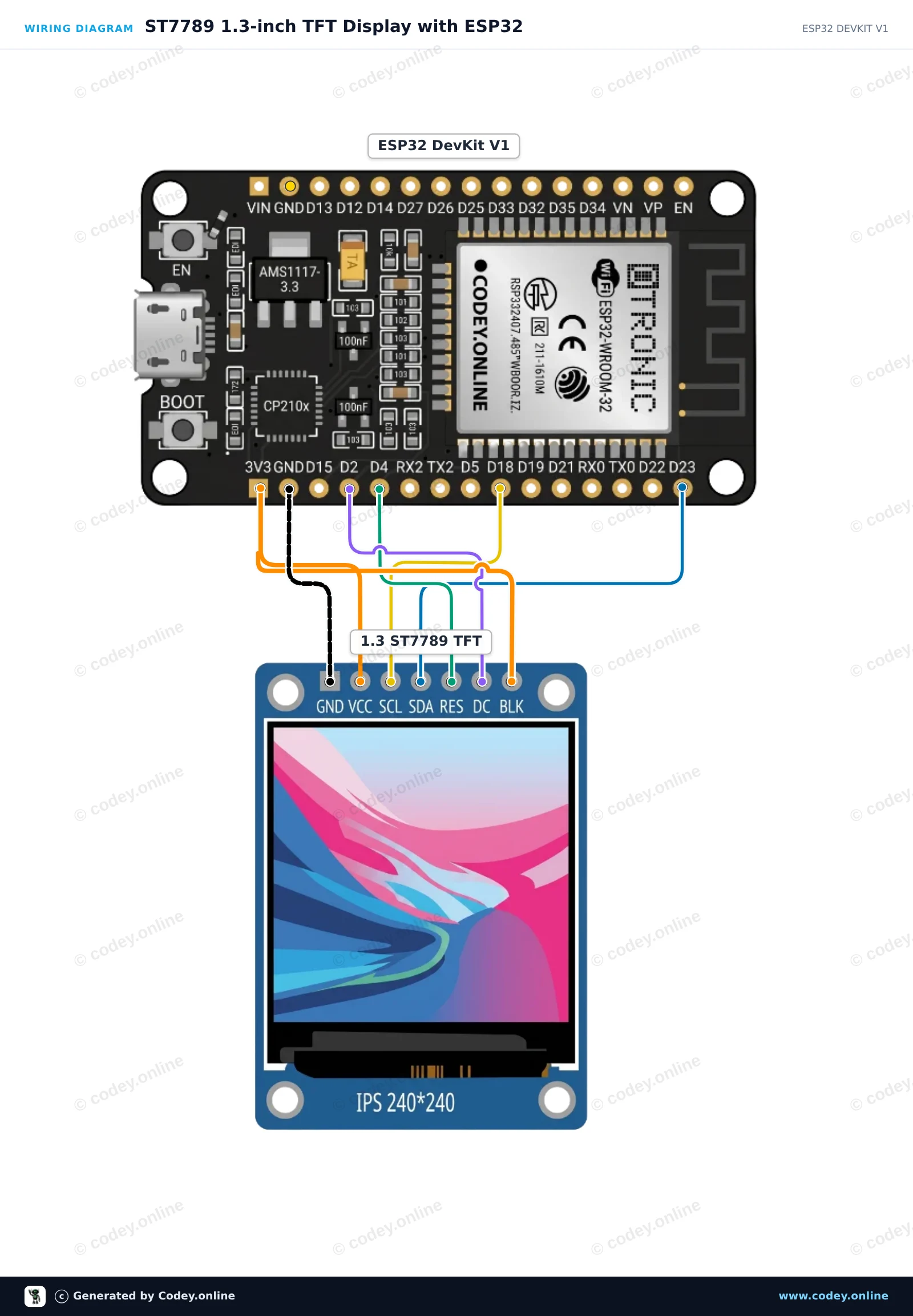
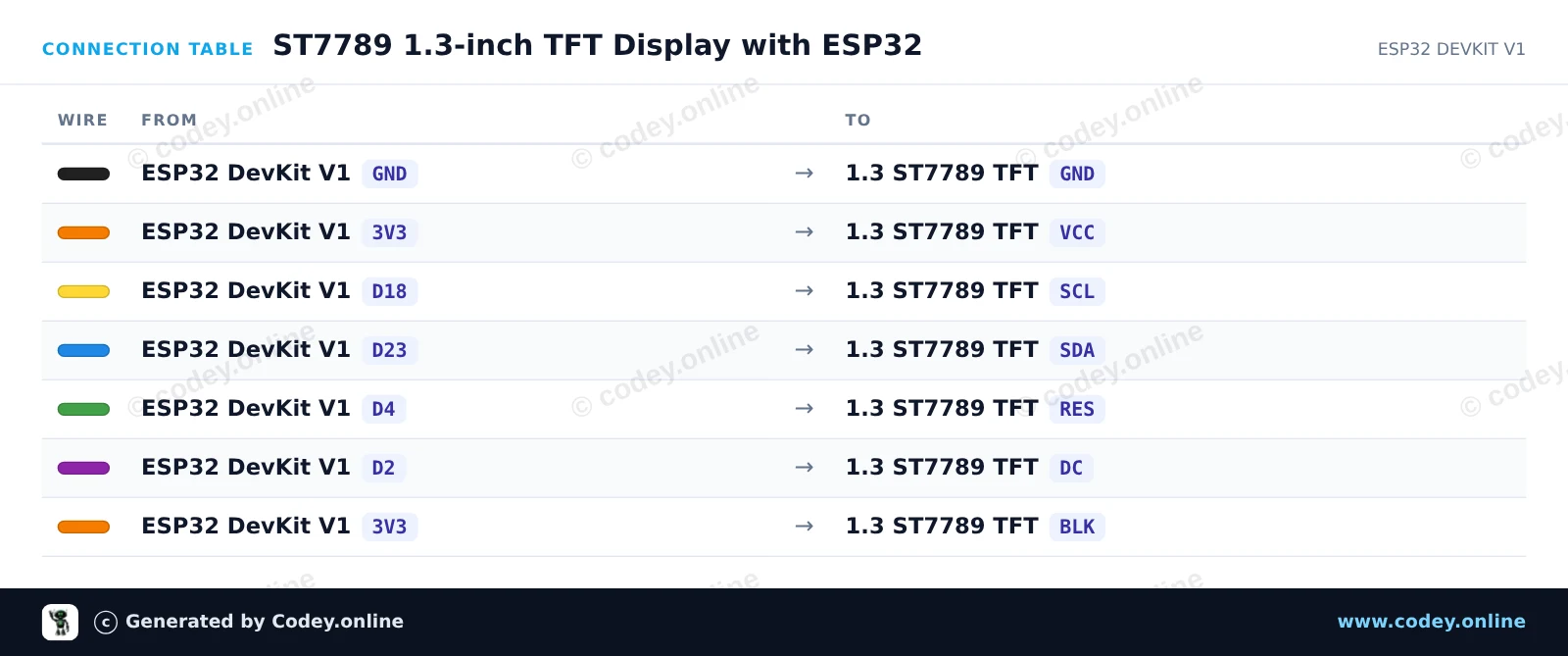
This project initializes a 1.3-inch 240x240 SPI TFT display using the ST7789 driver. It draws shapes, displays text, and updates a live counter on screen every second.
/*
* ==================================================================
* Generated by Codey.online — https://www.codey.online
* ==================================================================
* Project : ST7789 1.3-inch TFT Display with ESP32
* Board : ESP32 DEVKIT V1 (esp32:esp32:esp32doit-devkit-v1)
* Parts : LCD Display TFT 1.3inch ST7789
* Libraries : Adafruit GFX Library 1.12.6, Adafruit ST7735 and ST7789 Library 1.11.0
*
* Codey Online is an AI-powered browser IDE for Arduino and ESP32.
* Describe your project and Codey writes the code, draws the wiring
* diagram and uploads it to your board, straight from the browser.
* This code is free to use, modify and share, without warranty.
* ==================================================================
*/
#include <Adafruit_GFX.h>
#include <Adafruit_ST7789.h>
#include <SPI.h>
#define TFT_DC 2
#define TFT_RST 4
#define TFT_CS -1
Adafruit_ST7789 tft = Adafruit_ST7789(TFT_CS, TFT_DC, TFT_RST);
int counter = 0;
void setup() {
Serial.begin(115200);
// Initialize 240x240 ST7789 display
tft.init(240, 240);
tft.setRotation(2);
tft.fillScreen(ST77XX_BLACK);
// Draw frame and header
tft.drawRect(10, 10, 220, 220, ST77XX_BLUE);
tft.setTextColor(ST77XX_WHITE);
tft.setTextSize(2);
tft.setCursor(35, 30);
tft.println("ESP32 ST7789");
tft.fillCircle(120, 160, 35, ST77XX_RED);
}
void loop() {
// Update counter area
tft.fillRect(40, 80, 160, 30, ST77XX_BLACK);
tft.setTextColor(ST77XX_GREEN);
tft.setTextSize(2);
tft.setCursor(45, 85);
tft.printf("Count: %d", counter++);
delay(1000);
}
Bibliotecas necessárias: Adafruit GFX Library 1.12.6, Adafruit ST7735 and ST7789 Library 1.11.0
Wiring diagram and example code generated by Codey.online — https://www.codey.online
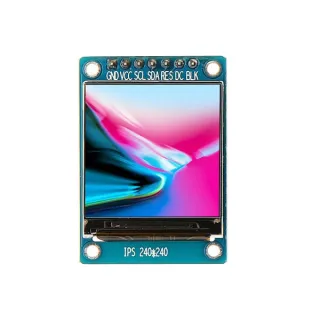
Um pequeno ecrã com 1.3" de diagonal. Com a alta densidade de píxeis de 260 ppi, este é um fantástico display de 240x240 píxeis com legibilidade de todos os ângulos.
Displays deste calibre também são usados em smartwatches e pequenos dispositivos eletrónicos.
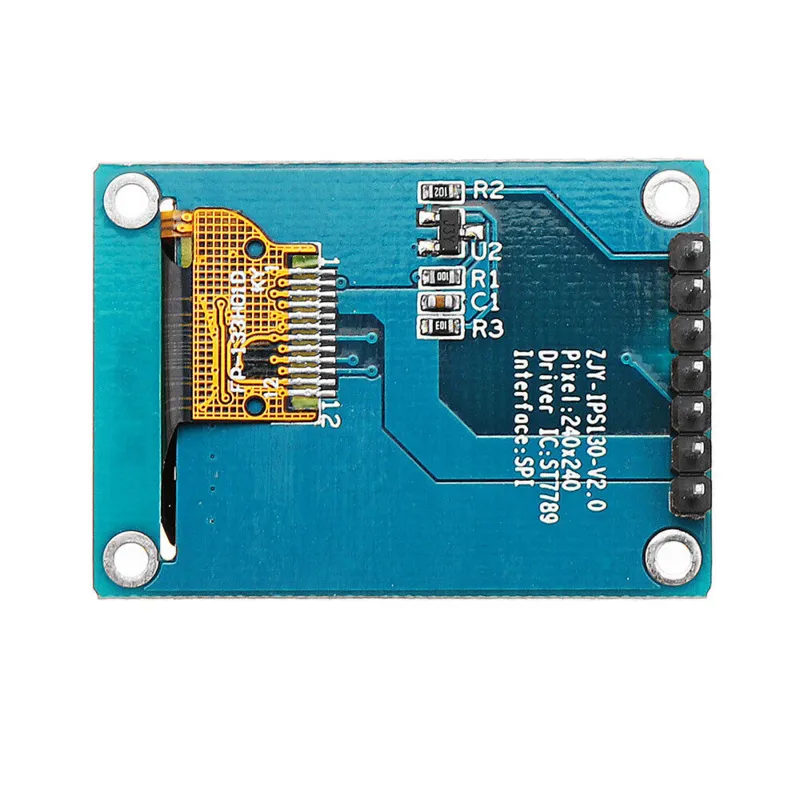
Tem controlador de display ST7789 que funciona com todos os microcontroladores e microcomputadores.
Esta é a melhor forma de adicionar um ecrã pequeno, colorido e muito brilhante a qualquer projeto. Utiliza SPI de 4 fios para comunicar.
Com o seu próprio frame buffer endereçável por píxeis, pode até ser usado com microcontroladores muito pequenos, com pouca memória ou poucos pinos disponíveis.
O ecrã tem píxeis full color de 240x240 16-bit e é IPS, por isso a cor fica excelente até 80 graus de qualquer eixo em qualquer direção. O driver TFT (ST7789) é muito semelhante ao popular ST7735 e é bem suportado por várias bibliotecas Arduino.
A Adafruit, por exemplo, escreveu uma biblioteca gráfica completa de código aberto que pode desenhar píxeis, linhas, retângulos, círculos, texto e bitmaps em combinação com a Adafruit GFX Library. (veja esta página para começar) Além disso, também existe código de exemplo. Este código foi escrito para Arduino, mas pode ser facilmente adaptado ao seu microcontrolador favorito.
| Cor | 16-bit full color |
|---|---|
| Resolução | 240 x 240 |
| Interface | SPI de 4 fios |
| Formato | 1,3 polegadas |
| IC do driver | ST7789 |
Muito difícil de programar. Ainda não consegui fazê-lo funcionar.
Não ficas satisfeito? Tens 30 dias após a receção para devolver o produto.
Tudo sobre devoluções
Display LCD TFT SPI de 1.3inch RGB (ST7789, 3.3V)